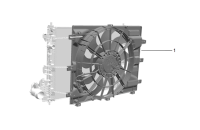
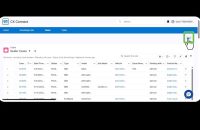
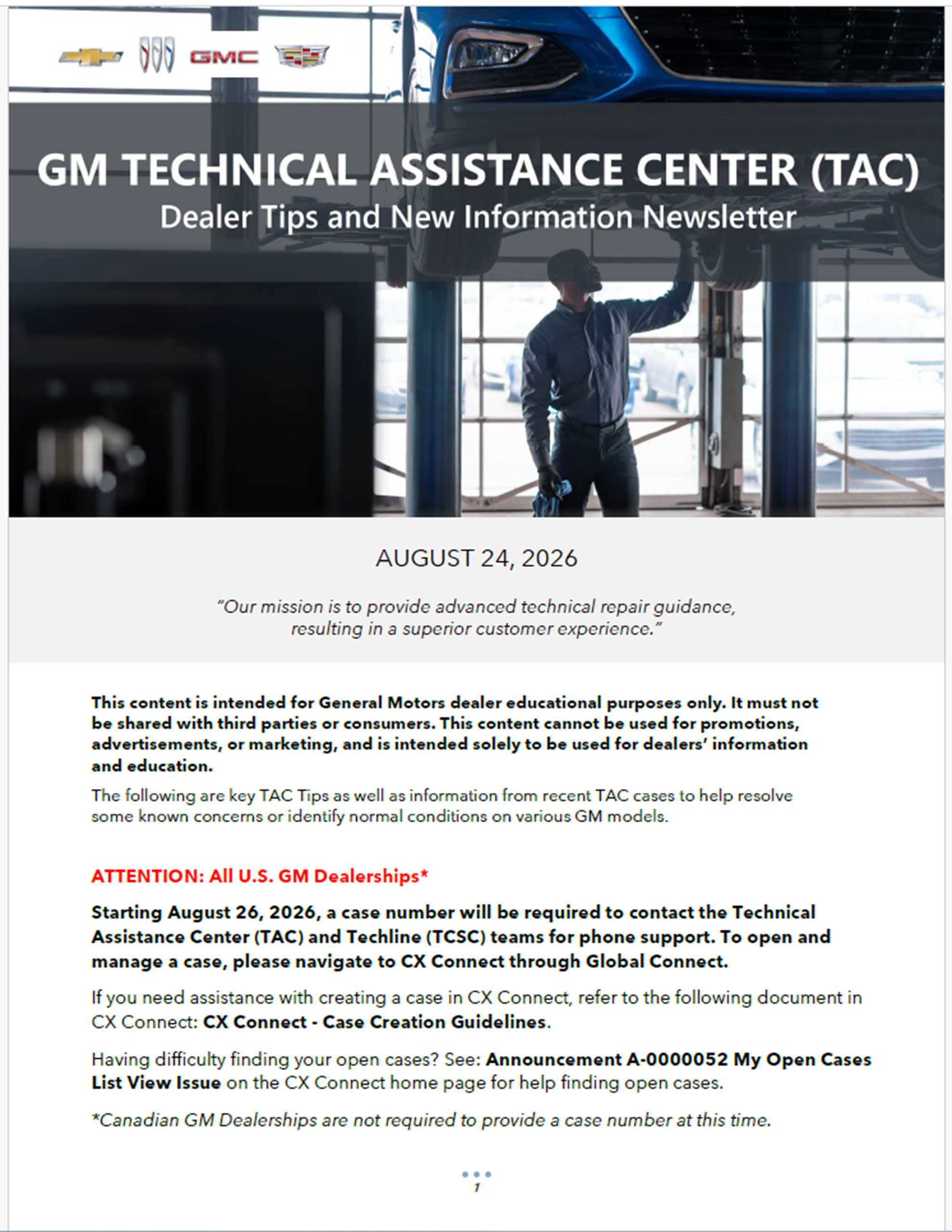
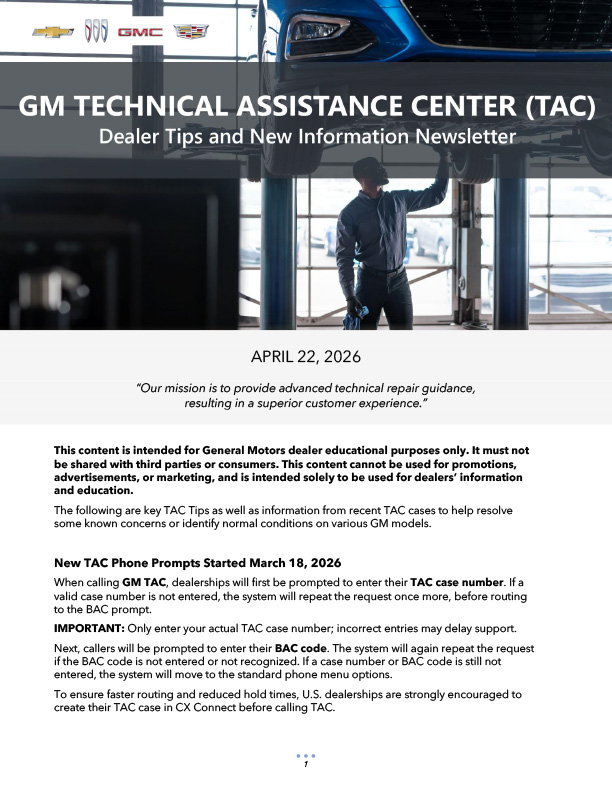
GM Parts Connect, GM’s next generation web-based parts catalog and ordering platform that launched in early July, has been built to help dealership personnel quickly identify, verify and order the correct parts for every repair. Designed with a modern interface and powerful new search capabilities, GM Parts Connect combines parts information, service procedures, labor operations, illustrations, inventory visibility and ordering tools into a single experience that helps streamline the parts ordering process. (Fig. 11)
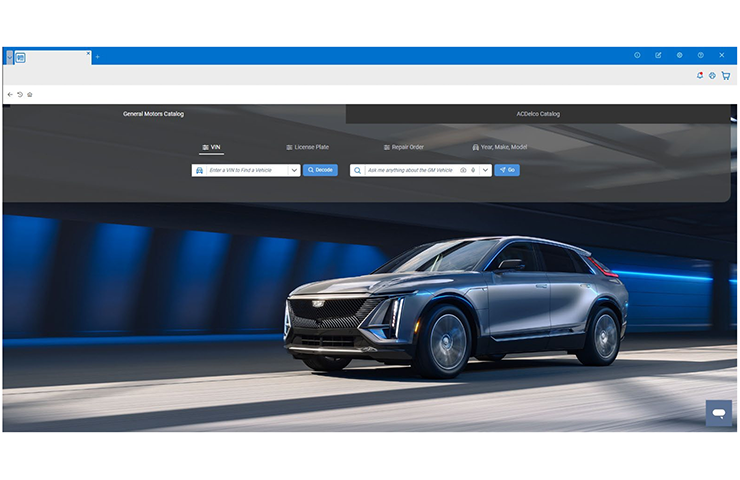
Fig. 11
What’s New in GM Parts Connect?
The latest enhancements focus on making parts identification faster and more accurate. GM Parts Connect users can now search using multiple methods, including VIN, license plate lookup (where available), repair order lookup, natural language search, voice search and image search. This flexibility helps users find the correct part without needing an exact part description or part number.
License Plate and Repair Order Search – Using the license plate or repair order lookup can quickly identify a vehicle without manually entering a VIN. (Looking up parts by repair job requires Dealer Management System (DMS) integration.)
Language Search – Natural language search, which can recognize common terms, alternate languages and minor misspellings, offers assistance when the exact part name or part number is not known. Searches such as “O2 Sensor” return results for oxygen sensor, and “La Bateria” returns results for battery. (Fig. 12)
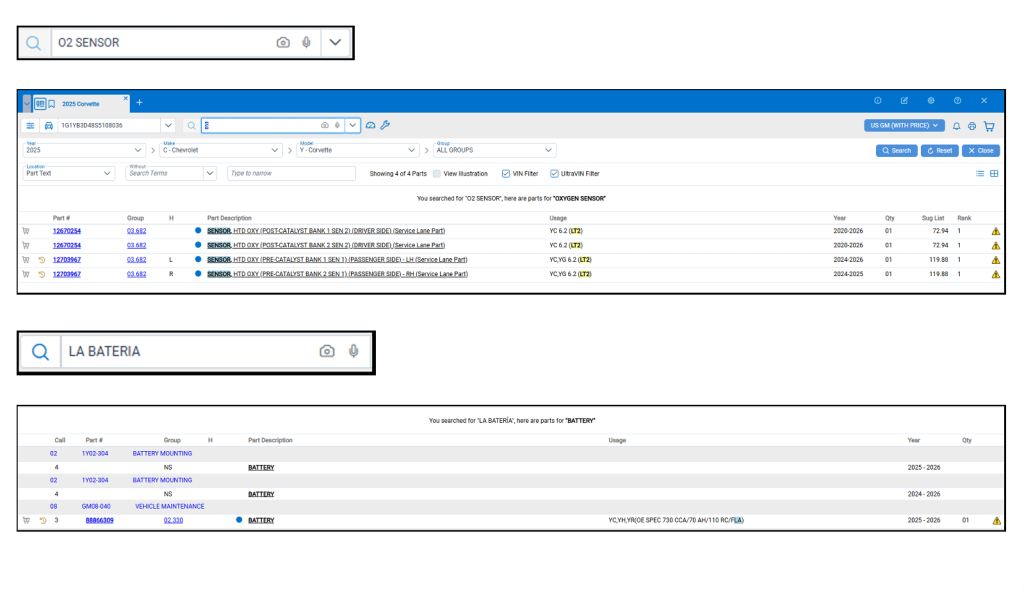
Fig. 12
List and Picture Views – New visual tools can help users quickly narrow results and confirm the correct part selection. The enhanced interface offers both List and Picture views, expanded filtering options, and a new Common Names navigation mode that uses images to guide users through parts categories and subcategories. (Fig. 13, List (top) and Picture (bottom) views)
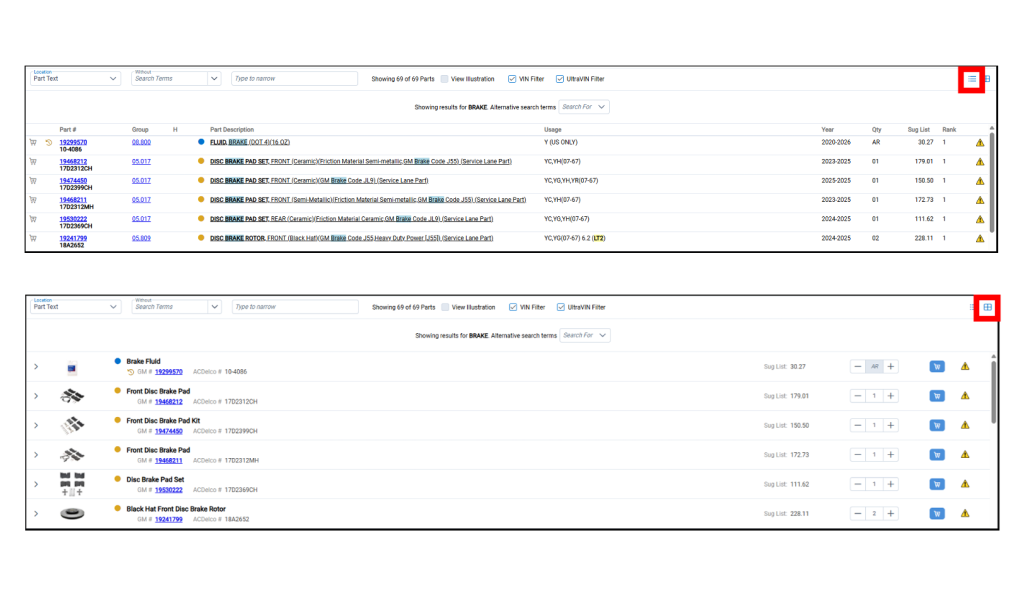
Fig. 13
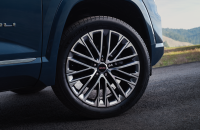
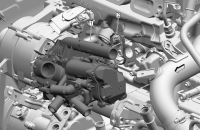
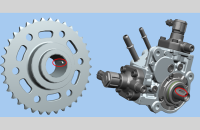
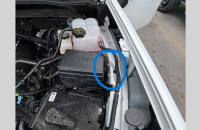
Image and Voice Seach – New search functions, including search by image or voice, enable you to use your camera or microphone to provide a quick, flexible way to identify parts while minimizing manual data entry. (Fig. 14) Parts in the photo are identified and evaluated based on a confidence percentage. You can change the default selection before beginning the search.
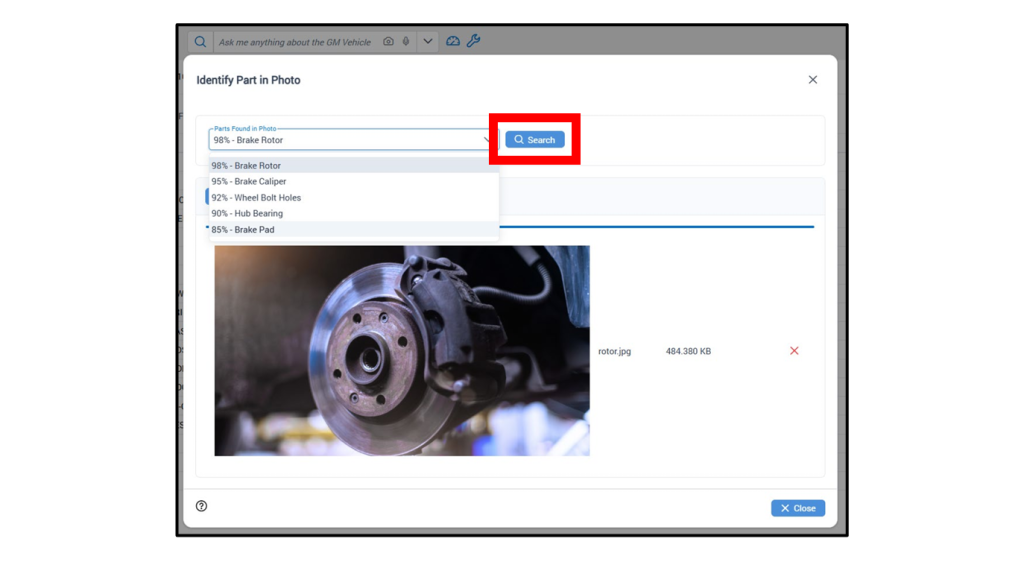
Fig. 14
Part Details – To see additional information needed to repair a vehicle, access Part Details by clicking either the part number or the colored brand indicator next to the part description. Details include high-resolution and interactive 3D part images and illustrations that enhance the visual experience and enable users to examine parts in greater detail for improved identification and accuracy. (Fig. 15)
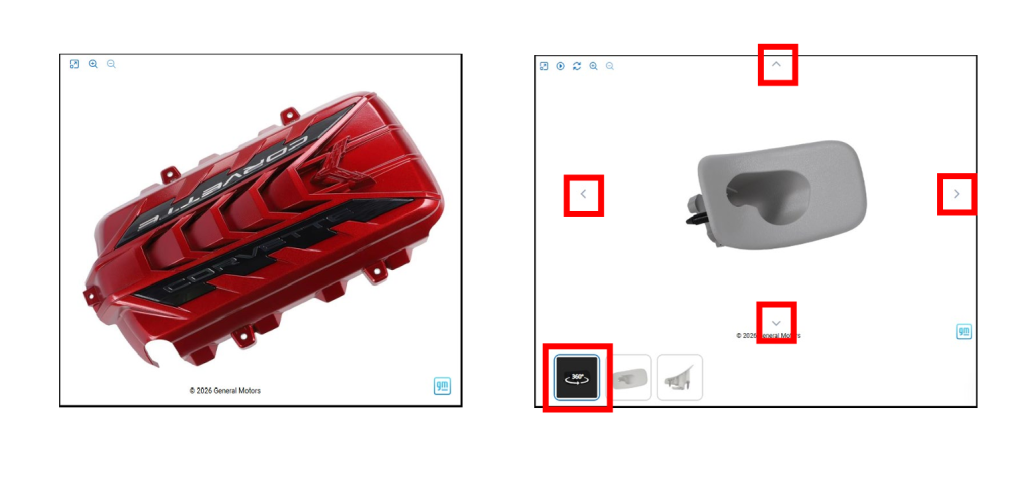
Fig. 15
Related Parts — The Related Parts tab on the Part Details screen offers details on associated and commonly used parts, making it easier to identify everything needed for the repair and ensuring a more complete and accurate parts order.
More Than Just Parts
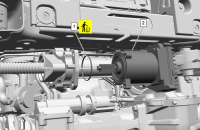
Beyond parts identification, GM Parts Connect helps provide repair context with associated service procedures, labor times, and required special tools. (Fig. 16) The special and essential tools required for each repair procedure are displayed alongside relevant Service Information procedures.
These features provide visibility into the repair procedures and associated labor times for each part — lending valuable context that supports informed parts selection and efficient, complete repairs.
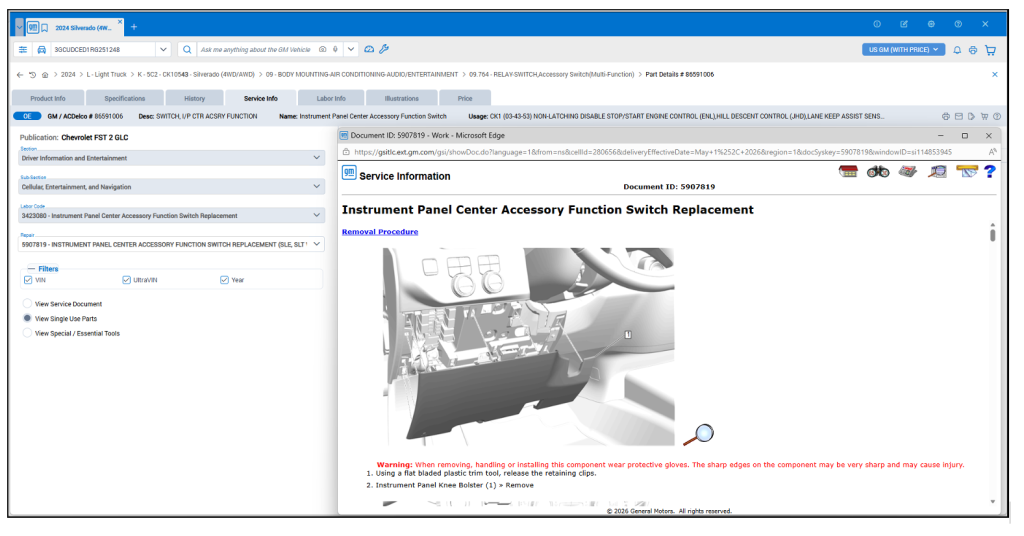
Fig. 16
For dealerships with an integrated Dealer Management System (DMS), parts pricing and inventory also can be shown. Plus, parts can be easily sent to the DMS for ordering and invoicing, making it faster to move from parts selection to order completion.
Training and Support Resources
To get started with GM Parts Connect, built-in training and support resources are available. Users have access to helpful how-to articles, step-by-step guides and instructional videos that explain key features and workflows.
Integrated, real-time support also is available through a virtual assistant (click the chat icon in the lower right corner of the screen) or live customer service chat directly from the application. (Fig. 17)
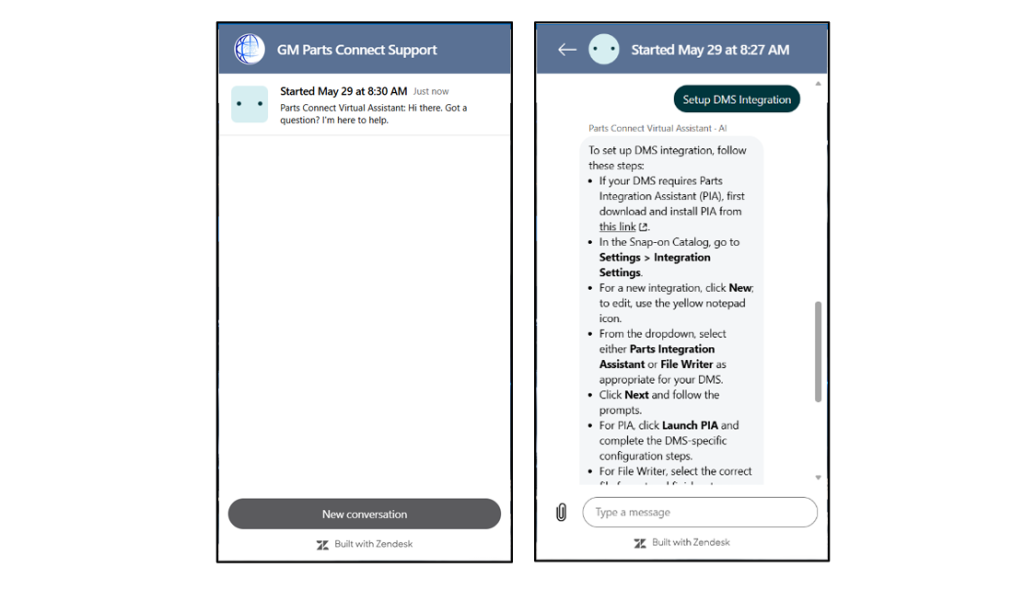
Fig. 17
Bringing together advanced search tools, visual navigation, service information and ordering capabilities in a single web-based solution, GM Parts Connect helps dealership parts and service personnel find the right part, resulting in fast, accurate and complete repairs.
– Thanks to Nicole Schulz