





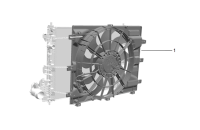
 Inoperative Engine Cooling Fan
 Transmission Stuck in 1st Gear
 Gear Shift Control Module Contamination
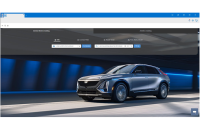 New GM Parts Connect Delivers Smarter, Faster Parts Lookup
 GM Service Know-How Emerging Issues
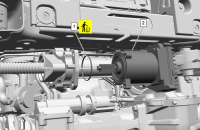 New Belt Drive Rack and Pinion Steering Power Pack Replacement
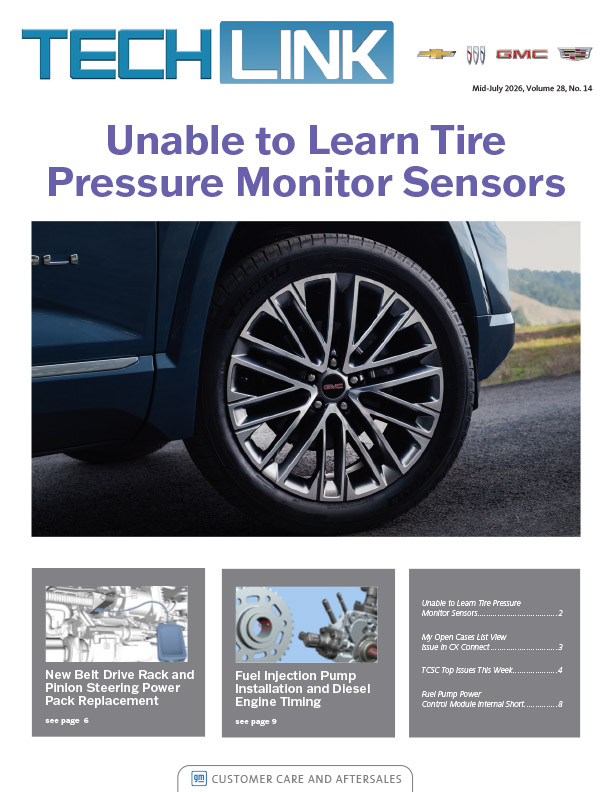
 Unable to Learn Tire Pressure Monitor Sensors
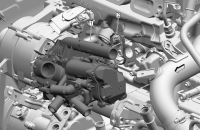 1.3L Engine Coolant Control Valve Failure
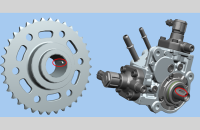 Fuel Injection Pump Installation and Diesel Engine Timing
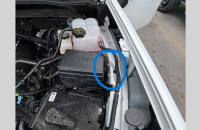 High Resistance on Grounds G103A, G103B
 My Open Cases List View Issue in CX Connect
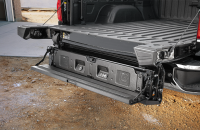 Making Associated Accessory Warranty Claims
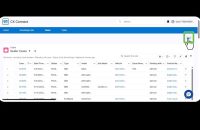 TAC and TCSC Phone Support to Require CX Connect Case Number
 Vehicle-Wide Programming Update for EVs
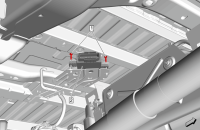 Fuel Pump Power Control Module Internal Short
TAC Newsletter August 2026
TAC Newsletter April 2026
DCA-8000
Troubleshooting
Guide

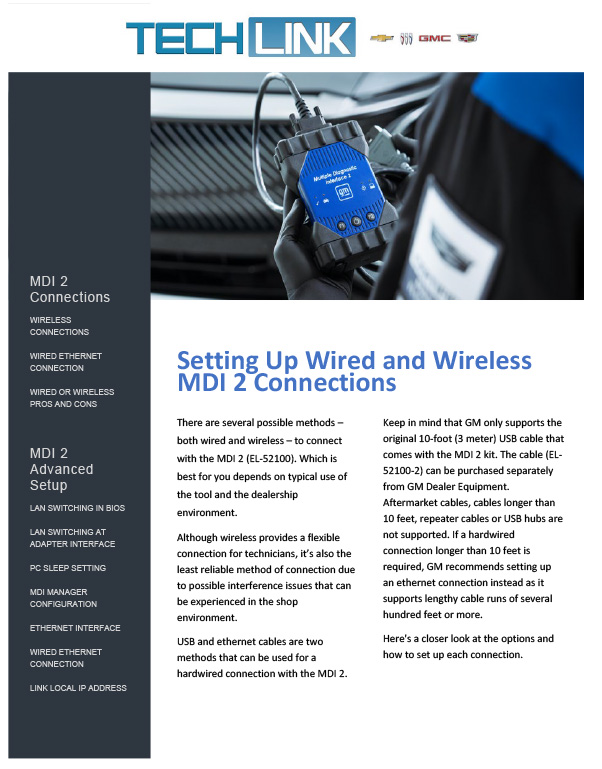
MDI-2 Connections and Advanced Setup 2026
CX Connect Case Creation Help + Tips and Tricks

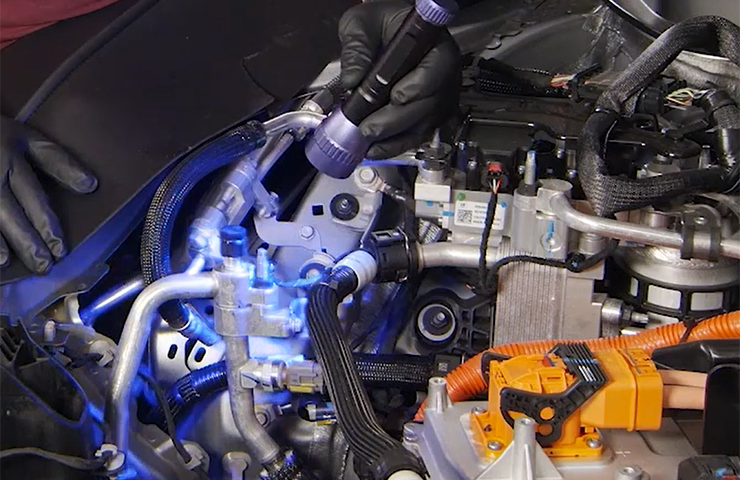
GM has recently established a new air conditioning refrigerant leak diagnostic procedure for GM EVs and PHEVs — including the Silverado EV, Blazer EV, Equinox EV, Bolt EV/EUV, Corvette E-Ray, […]
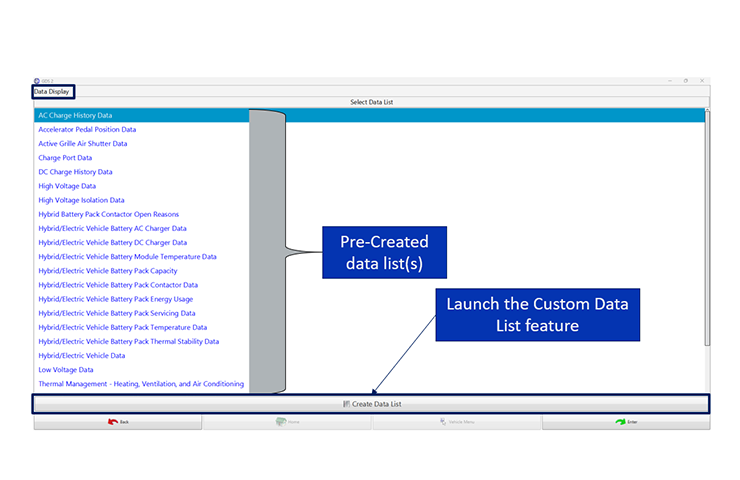
The latest update to GDS 2 in Techline Connect provides technicians with the ability to build personalized data parameter lists tailored for specific diagnostic sessions — identifying only the data […]
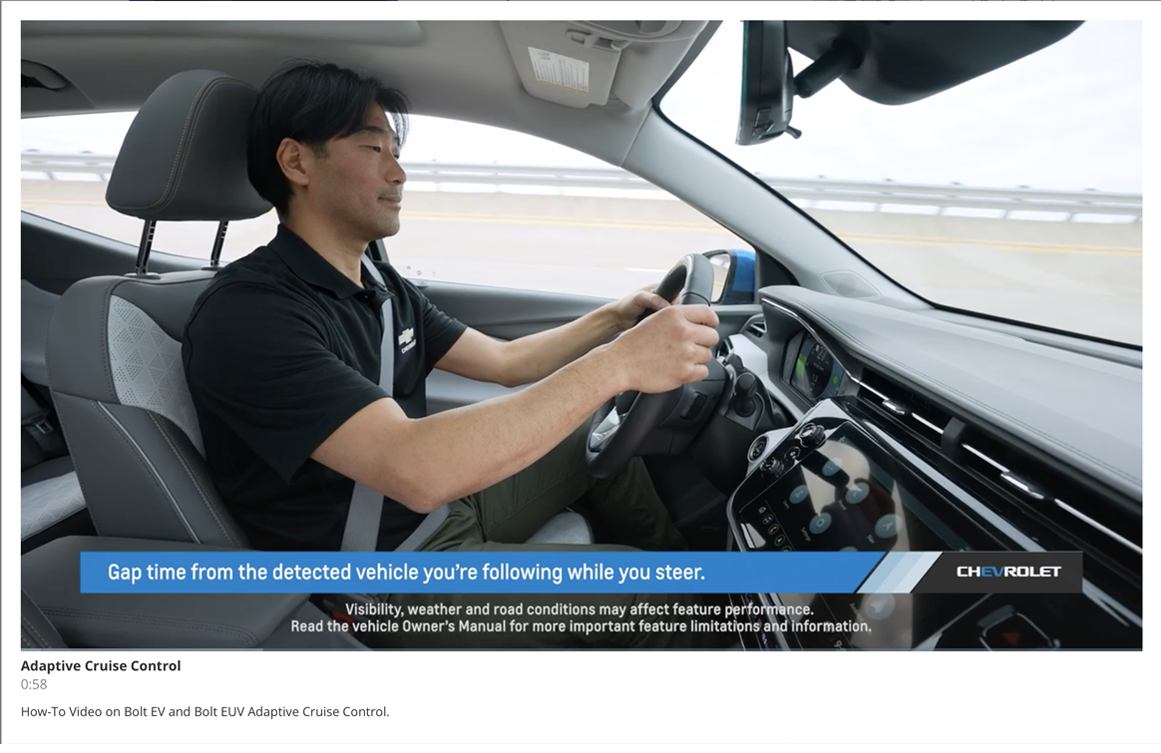
Take a detailed look at a wide range of innovative features and advanced systems found on GM vehicles to gain a better understanding of proper operation. Each short video reviews how a feature works, highlights operating tips and shows ways to customize settings, if applicable.
Designed by WPZOOM