
The latest CX Connect release (July 2026) includes a number of enhancements and updates.
However, some CX Connect users may experience an issue after the update was installed where they cannot locate their open cases via the My Open Cases list view in CX Connect. IT is aware of this condition and is looking into the issue.
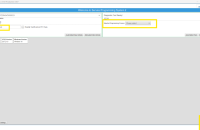
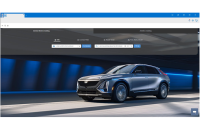
To locate your open cases, select the Dealer Cases list view and sort by Contact Name: (Fig. 1) The open cases can then be viewed.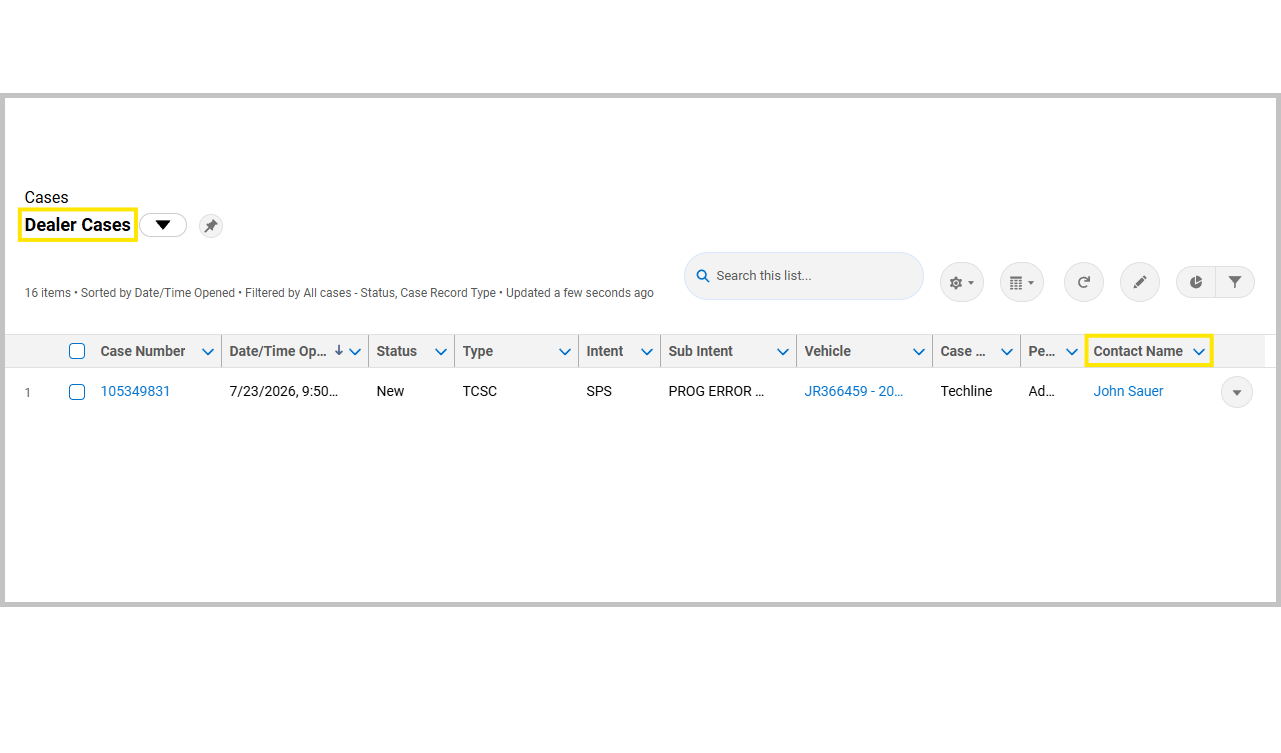
Fig. 1
We apologize for any inconvenience. An update to address this issue is under development.
– Thanks to John Sauer






I have found that by pinning the “my open cases” tab, it corrects this issue. The “pin” emoji is right next to the “my open cases” tab
TCSC closed the case. Found it under Recently Viewed Cases.
This does not work. Trying to find recent TCSC accessory case and CX only shows one open TAC case.
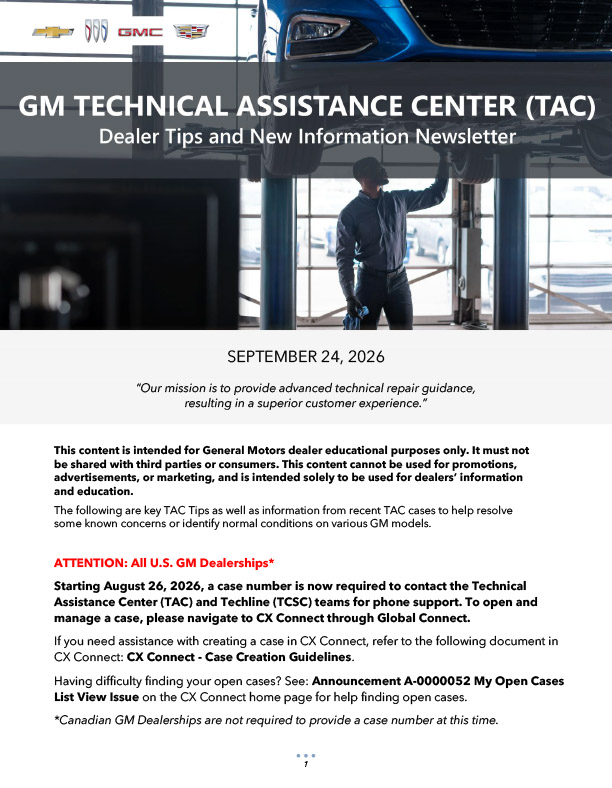
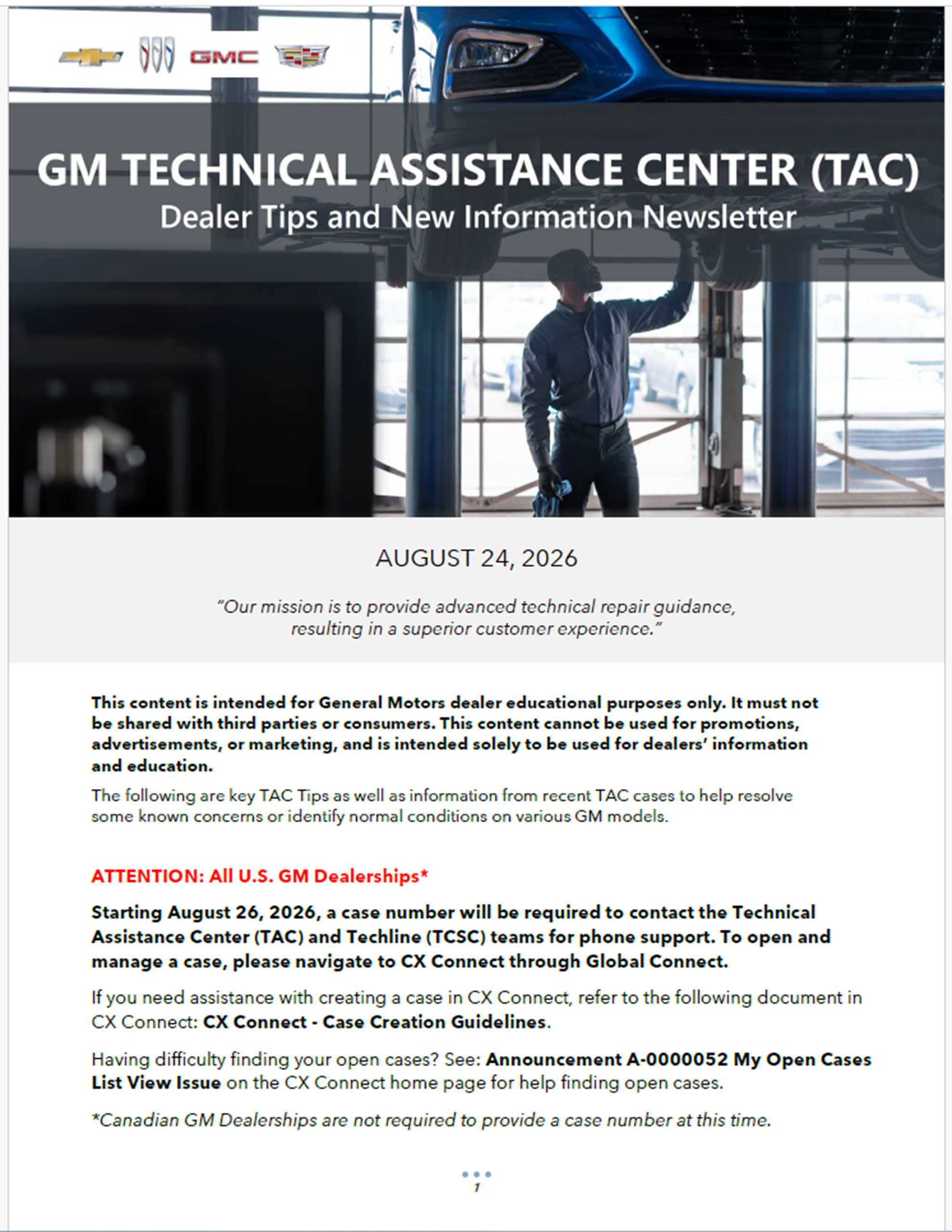
Can’t call now without a case number. What is the proper way to send feedback for issues with all these apps, CX, TLC, etc.? Working a should be easy job becomes pretty much impossible daily because of these updates.
Please fix TAC case resolution searches so we can see info like we used to. The searches now turn up next to nothing. The old TAC search was much more complete and helped save so much time for techs and TAC agents.