
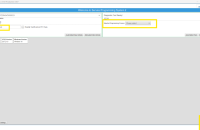
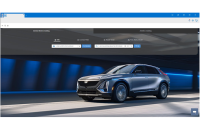
The CX Connect case system (U.S. only), helps the GM Technical Assistance Center (TAC) and the Techline Customer Support Center (TCSC) support technicians with diagnostic repairs in the dealership. From test results and session logs to photographs and other documentation, CX Connect plays a crucial role in managing all technical assets connected to a case. (Fig. 4)
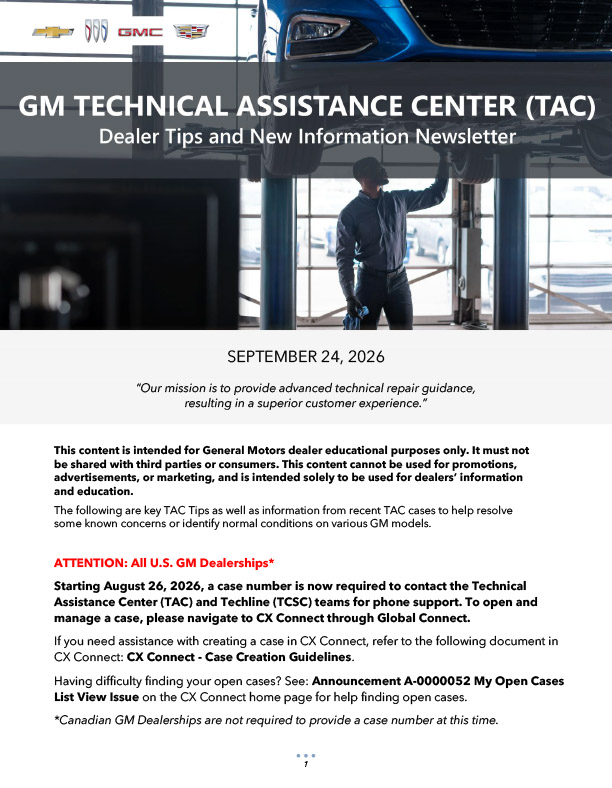
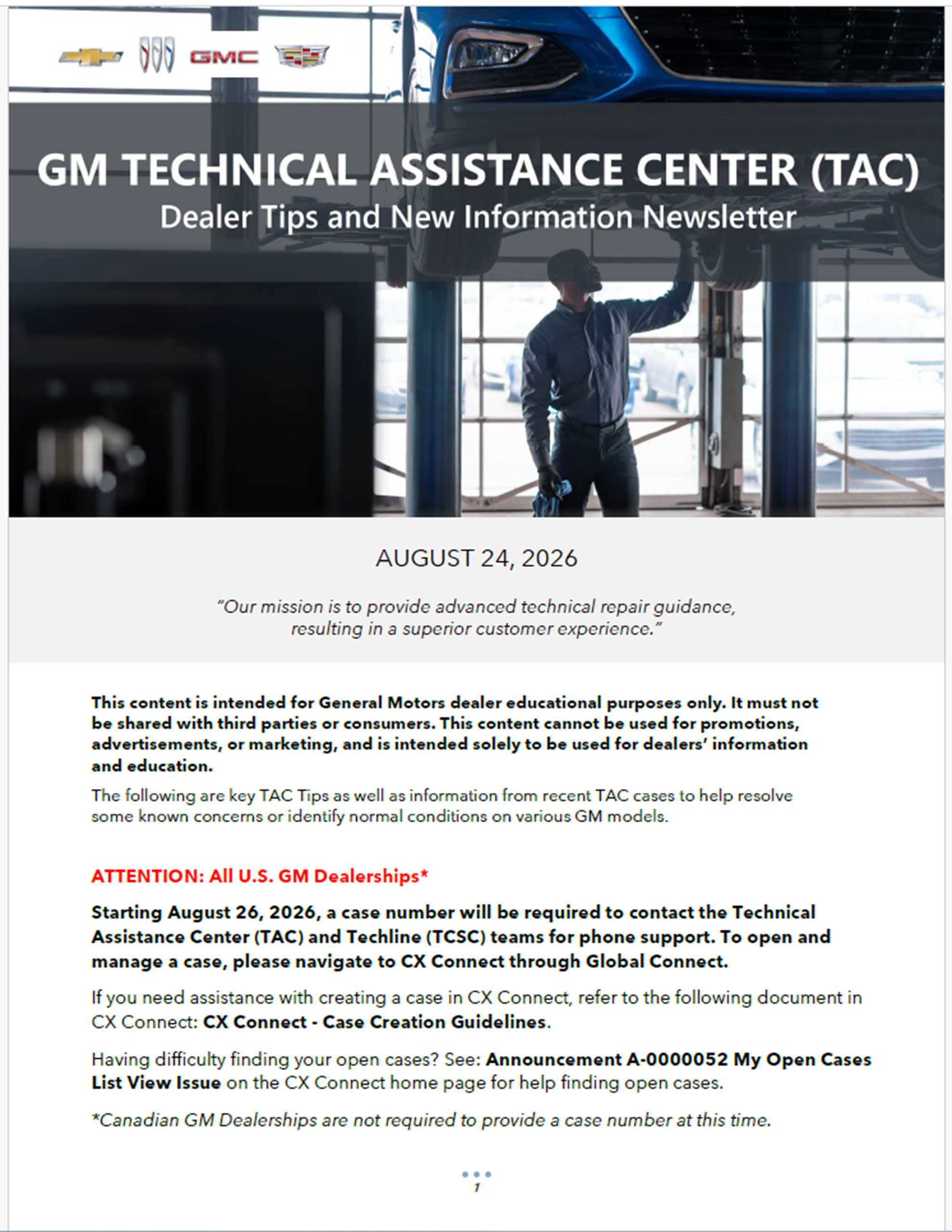
Starting August 26, 2026, to help manage and document every case, a CX Connect case number will be required to contact TAC and TCSC teams for phone support.
To open and manage a case, go to the CX Connect app, which can be launched through the app center on Global Connect.
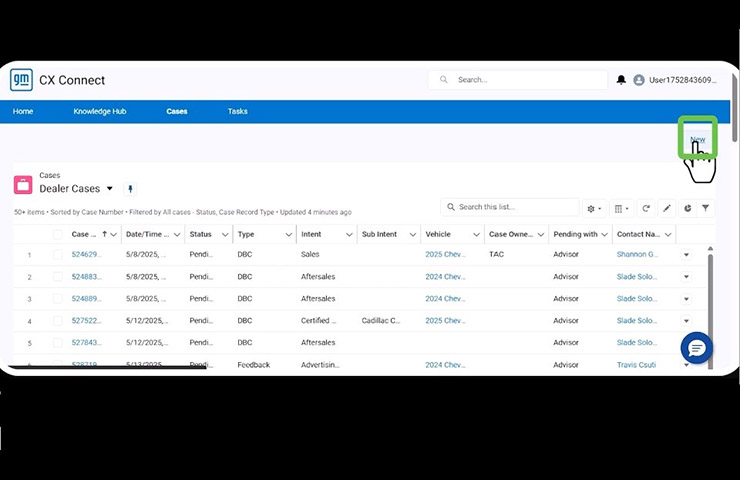
Fig. 4
Creating a Case
To help technicians with creating a CX Connect case, refer to the CX Connect Case Creation Help job aid. (Fig. 5) It includes step-by-step instructions for creating a case, including entering vehicle information, completing the dealer instructions and filling out the assessment fields.
TIP: Be sure to check the dealer instructions at the top of the case creation page to ensure that all required fields are completed before submitting a case.
Fig. 5
CX Connect Help
A short online training course also is available on how to open a new TAC case using CX Connect. Look for the Video on Demand course CX-WBT332-V on the Center of Learning.
– Thanks to John Sauer



If your VIN is not available in CX Connect, please refer to article 000215085 in CX Connect to add the vehicle to the case. Go to https://gm-onecrm.my.site.com/cxconnect/s/article/CX-Connect-Add-Vehicle-Button (Sign in required.)
If there is a CX Connect outage, the phone system will allow users through.
i really dont understand why we are working on VEHICLES, but CANNOT use VIN (VEHICLE IDENTIFICATION NUMBER) to find the vehicle in dealer case cx connect (tac cases)
Over a month ago, I asked if there would be a way to bypass this requirement. Today I have no response, and I have a VIN that does not come up with any results in CX connect, making it impossible for me to make a case with that VIN. Please update this information so that technicians have a secondary route to take in the case of the ever more common “software anomaly”.
Will there be a way to bypass this requirement in the event that the cx connect web page crashes?