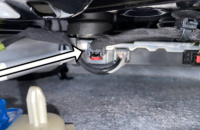
Some 2027 Bolt models may have an offset or poor view display from the rearview camera. The offset display may be from a loose rear camera mounting at the rear of the vehicle. In some cases, the camera bracket is not being retained properly in the liftgate. (Fig. 5)
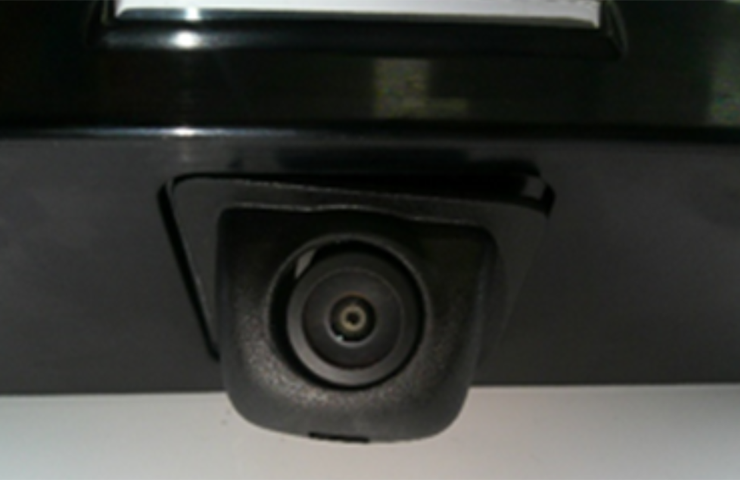
Fig. 5
At the rear of the vehicle, inspect the camera mounting behind the rear liftgate center applique assembly. (Fig. 6) The applique assembly does not need to be removed.
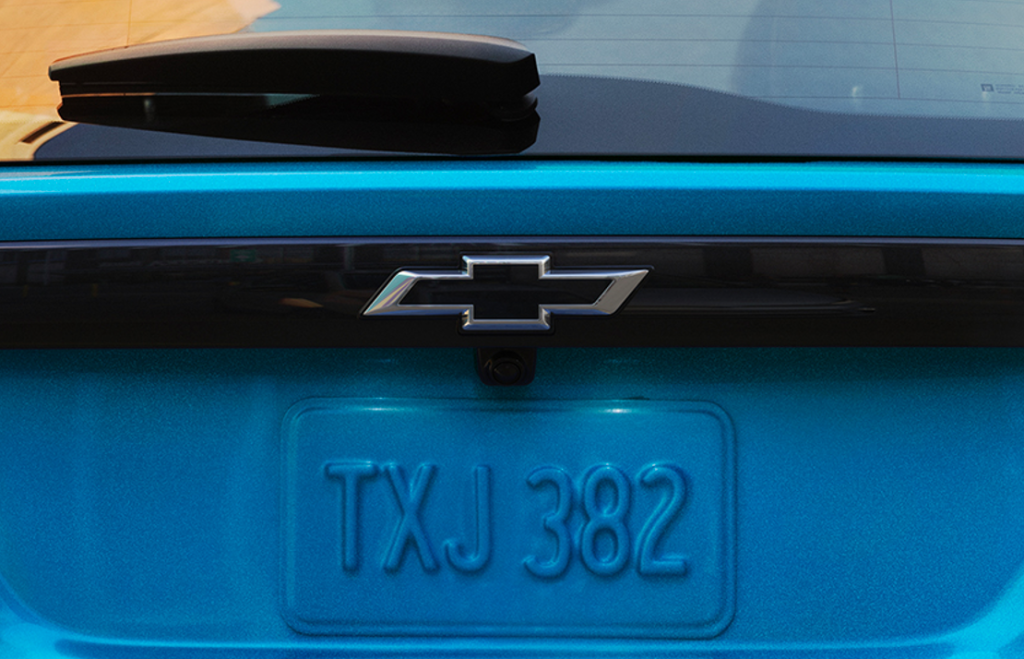
Fig. 6
Use a file to carefully file down the side where the rear camera retaining tab snaps into the mounting location. (Fig. 7)
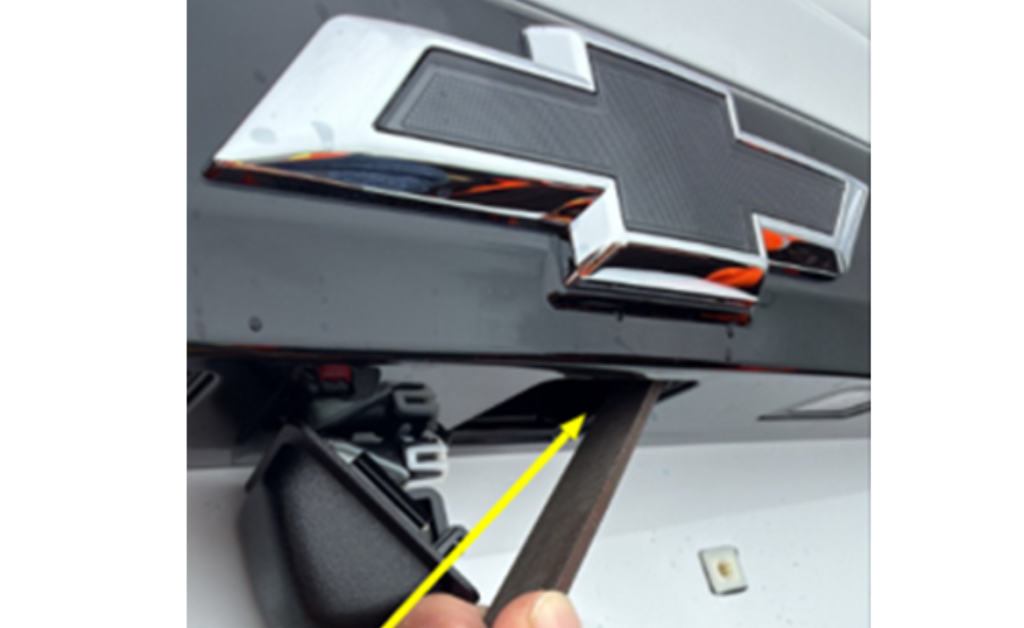
Fig. 7
Reinstall the rearview camera by hooking in the left side of the camera first and then pushing up on the right side of the camera. An audible click sound should be heard when the camera is fully seated properly in position. Open and close the liftgate three times to verify the camera is secure.
If the rearview camera is not mounted securely, add a small bead of Loctite 411 instant adhesive or equivalent on the back of the camera mounting assembly. Apply adhesive on the edges of the assembly as shown. (Fig. 8)
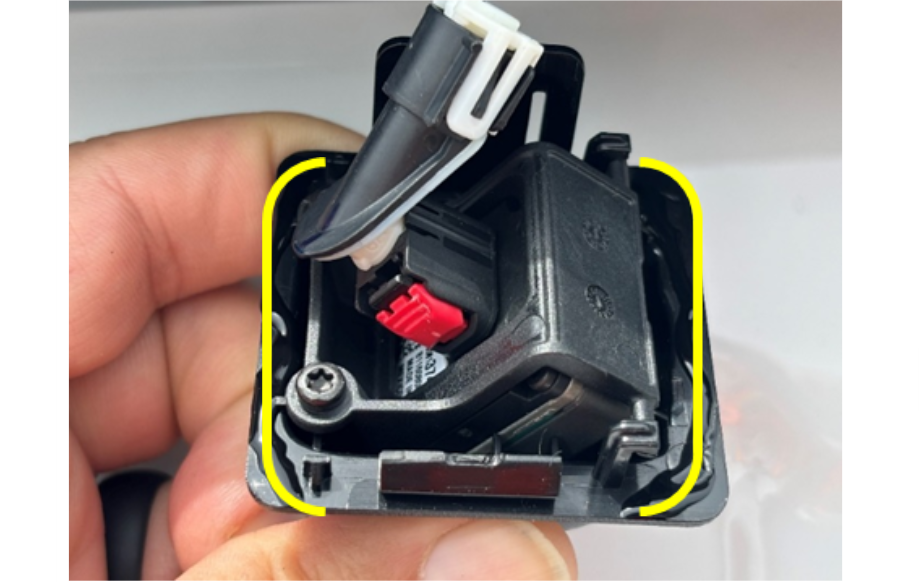
Fig. 8
After applying the adhesive, reinstall the camera and wait for 10 minutes. Once the adhesive has cured, open and close the liftgate again three times to verify the camera is secure.
Refer to Bulletin #26-NA-185 for additional details.
– Thanks to Kurtis Hoezee