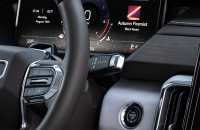
Some 2022-2026 Silverado 1500, Sierra 1500; 2024-2026 Silverado 2500HD/3500HD and Sierra 2500HD/3500HD models equipped with the Surround Vision Cameras may have a front-view or rear-view camera display (Fig. 4) that does not show the reverse or forward grid guidelines. An hourglass symbol may be displayed instead of the guidelines.
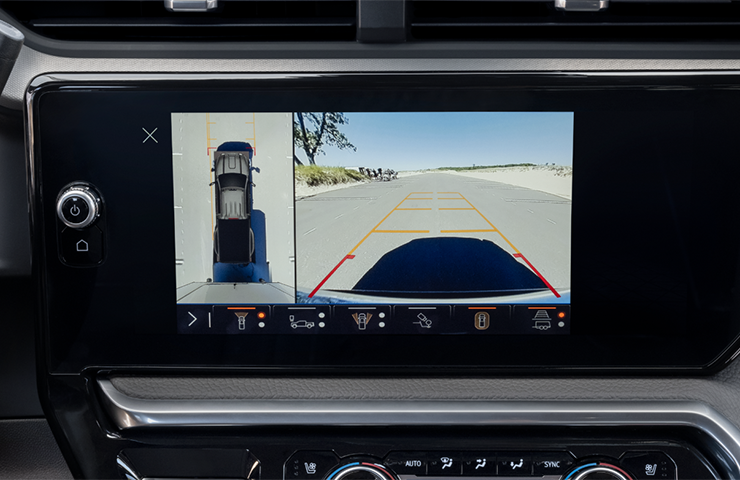
Fig. 4
In some cases, the cameras may be in a state of failure and a DTC will not set until the camera fails. Until a code is set, the camera may randomly display an unlearned status after an ignition cycle. The camera may have a relearn status temporarily but may lose the learn status intermittently with a key cycle. In addition, a vehicle may need to sit more than 5 minutes with the ignition off to reproduce this issue.
If these conditions are found, inspect the views in all cameras thoroughly and check each camera for damage or moisture inside the lens. Camera images may appear slightly distorted or foggy. The corresponding camera may exhibit a non-learned status.
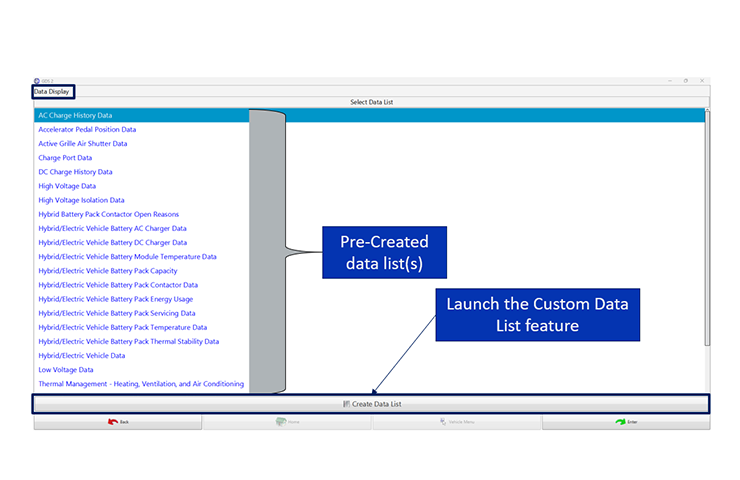
Review the camera learn status using GDS 2. For the learn data to be available, the Video Processing Module (VPM) must be at software level 18.05 or higher; otherwise, the learn values will not be displayed.
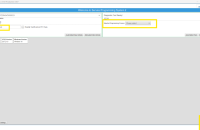
With the vehicle in Service Mode, review the VPM Surround Vision Camera data. (Fig. 5)
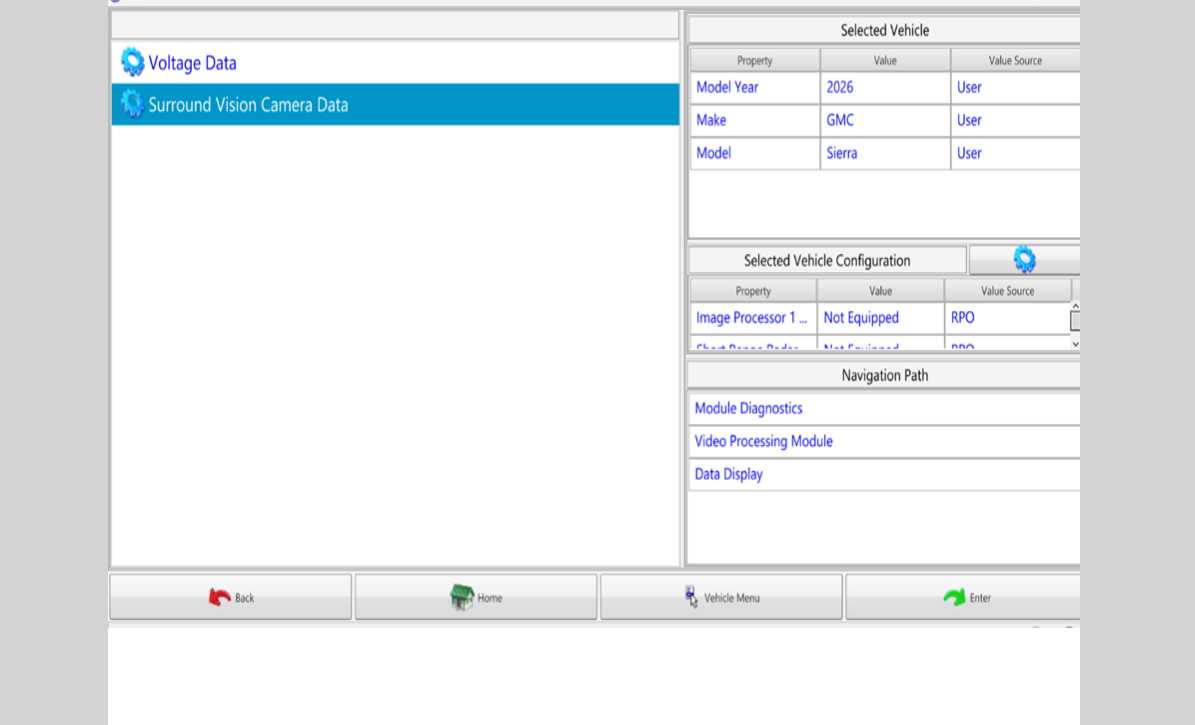
Fig. 5
A camera that shows a Not Calibrated status should be replaced. (Fig. 6)
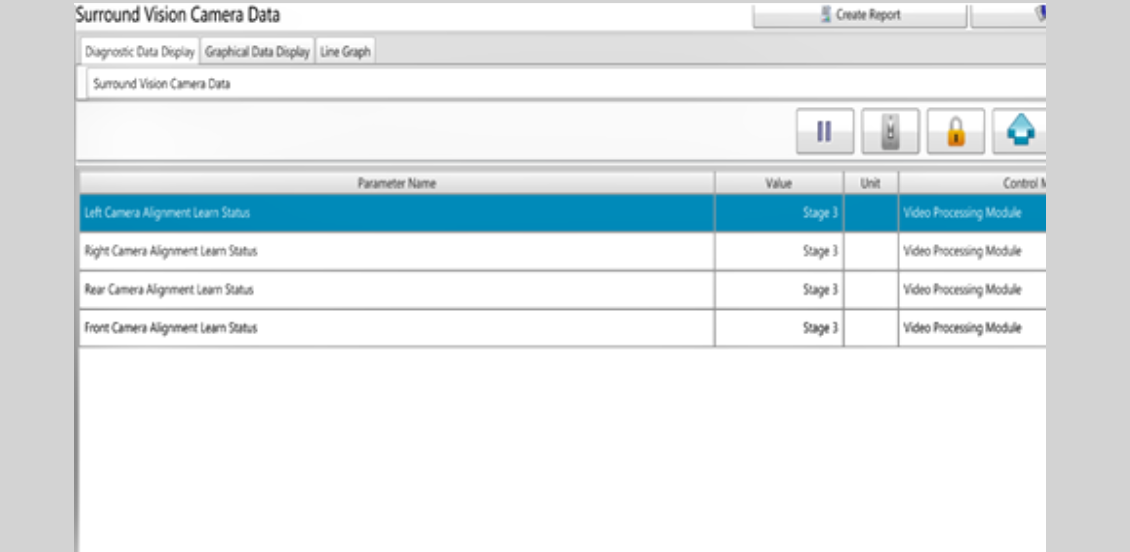
Fig. 6
Keep in mind that a Rejected Request message will be displayed if the vehicle is not in Service Mode or the software version is not 18.05 or higher. Update the software if needed.
TIP: The Surround Vision Camera system (RPO UV2: Vision-360 View, Mono, HD Digital) does not include the Rearview Camera Mirror (RPO DRZ: Mirror I/S R/V – LT Sensitive, Full Video Display). The Rearview Camera Mirror should always be diagnosed separately for any issues.
– Thanks to Dave MacGillis and Kevin Minor