Google Gemini brings AI assistance to 2022-2027 Chevrolet, Buick, GMC and Cadillac models equipped with Google built-in (RPO IVE, IVD, IOK) — approximately four million vehicles in the U.S. are eligible for the update. Gemini is available via an Over-the-Air (OTA) update through the vehicle’s infotainment system.
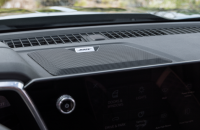
With Gemini, which replaces Google Assistant, owners can speak naturally in a back-and-forth conversation without memorizing commands for help with navigation, communication and in-vehicle controls. Gemini understands context, handles follow-up questions, and keeps getting smarter over time. Ask Gemini (Fig. 1) to:
- Summarize, read and respond to texts — without touching your phone.
- Create playlists that match your mood or the scenery on a road trip, including podcasts. Or stream a quick show using the in-vehicle apps.
- Say “Hey Google” for help with simple tasks, such as directions, recommendations or musical selections, or to learn more about various vehicle systems or make adjustments, including climate control settings.
- Ask for more information about a destination.
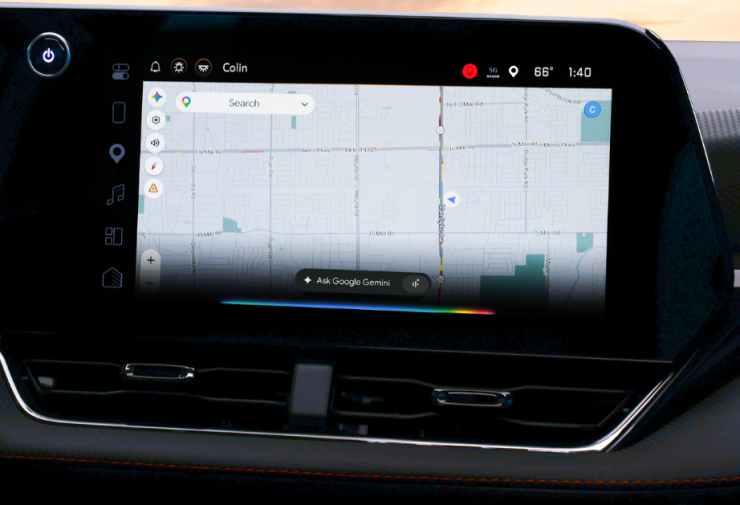
Fig. 1
Requirements for Gemini
Google is releasing the optional (opt in) upgrade to Google Gemini as an update to the Google Assistant app in the Google Play Store. The initial launch is in the U.S. only. The update will come via a Play Store update to the Google Assistant app. However, some preconditions must be met first.
To use Gemini, the following settings must be enabled:
- Connected to OnStar
- Signed in to the Google Play Store
- Using U.S. English as your assistant language
- Opted in to Gemini
Check Software Level
The Infotainment software for the Gemini update must be Android 11 or higher.
- All 2025 model year and newer vehicles with Google built-in are capable of Gemini out of the factory.
- All RPO IVD/IVE infotainment systems with Googe built-in are capable of Gemini out of the factory.
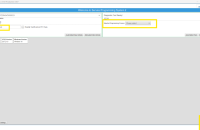
Check the software level by going to Settings > System > About. If the software level is Android 10 or below, a software update is needed. (Fig. 2)
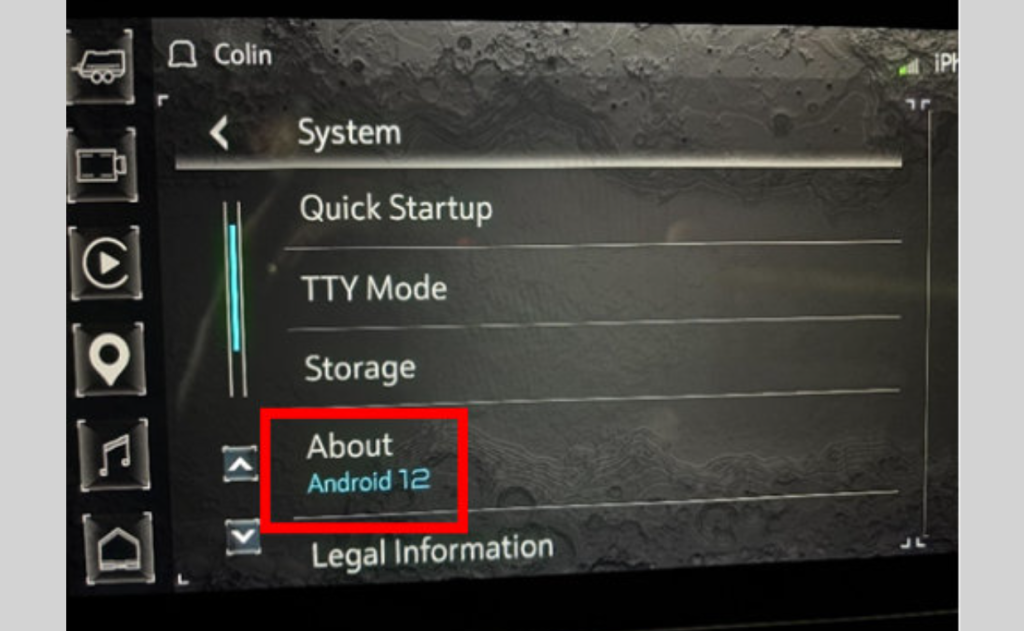
Fig. 2
Check Map Version
The Google Maps version must be 26.02.160000.E or higher. Version convention is YY.MM.DDHHMM. (Fig. 3)
Google Maps is updated via the Play Store. However, you cannot search for it in the Play Store. To check the Maps version and force an update, open the Maps app, tap the Settings gear icon, and go to About & Help > Version. Tap the version number to open the Maps page in the Play Store and update the app, if available.
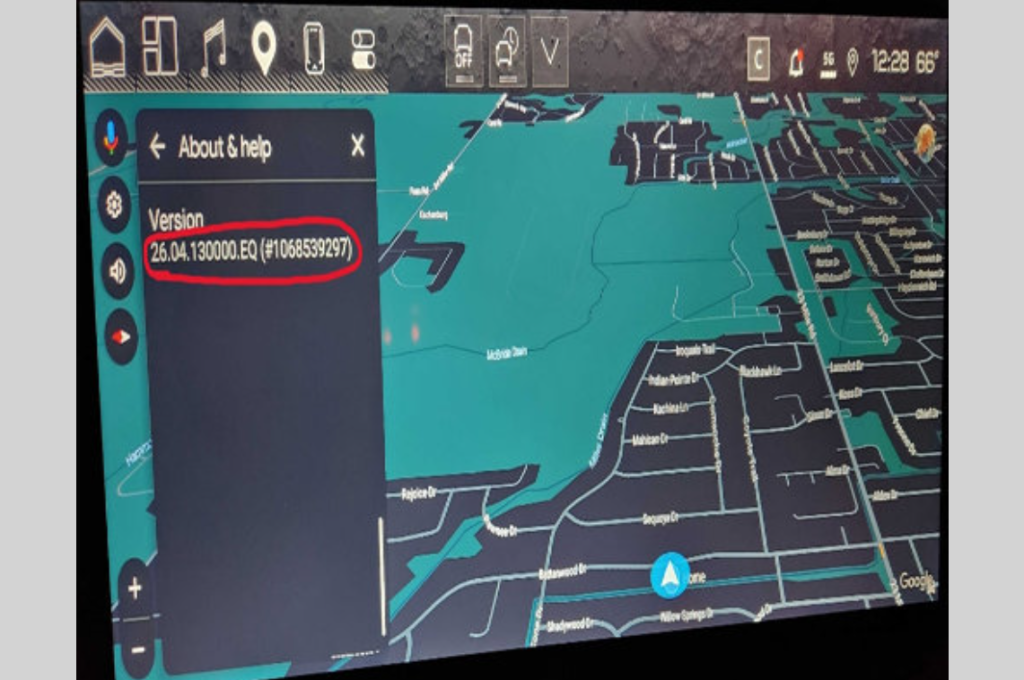
Fig. 3
Google Assistant App
Gemini is not a separate app in the Play Store. It is an opt-in experience within the Google Assistant app.
To opt in, open the Play Store app on the infotainment home screen and then tap the menu icon in the top-right corner of the screen. Select My Apps and then select Updates to see any pending updates. Tap Install to begin any updates.
The Google Assistant app version for the Gemini opt-in must be 13.1.618.RC09 or higher. Update the app if needed. (Fig. 4; Example shown requires an update)
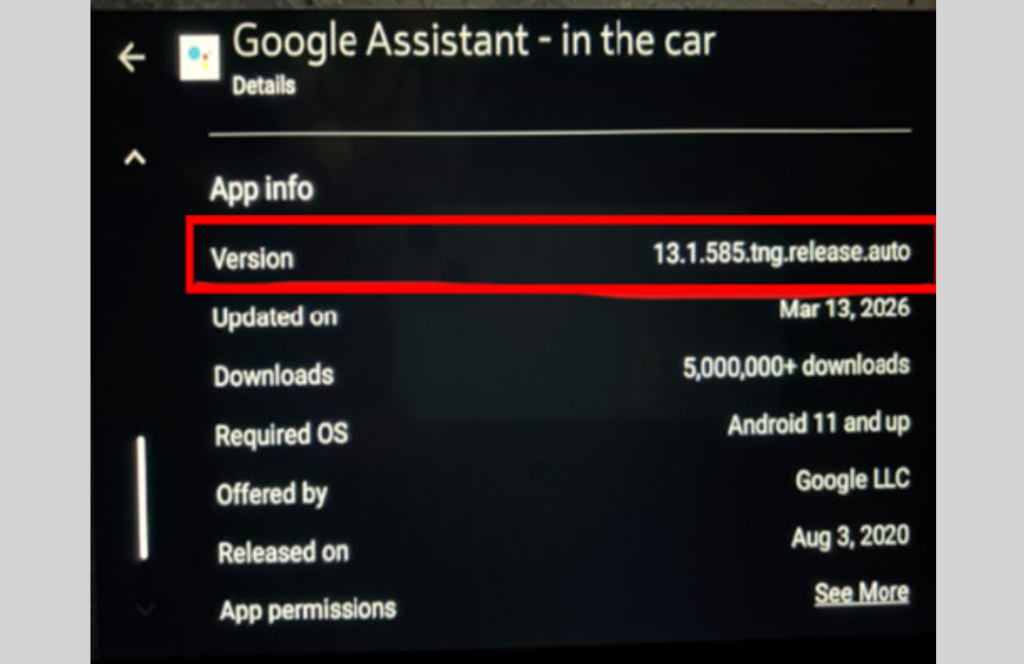
Fig. 4
If the version number is lower than 13.1.618.RC09, and an update is not available, the customer’s Google Account has not been added to the ramp up yet. Overall timing may change and is not determined by GM. Play Store apps will automatically update in the background. Once the app is updated, the opt-in screen for Gemini will appear on the next ignition cycle. App Downloads and Auto-Update Apps should be set to “Over any network” in the Play Store settings.
TIP: If a pop-up appears for Gemini, do not accept on behalf of the customer. The customer must consent to use the Gemini app. (Fig. 5) If the customer is not available, the opt-in screen can be accessed later under Settings > Google.
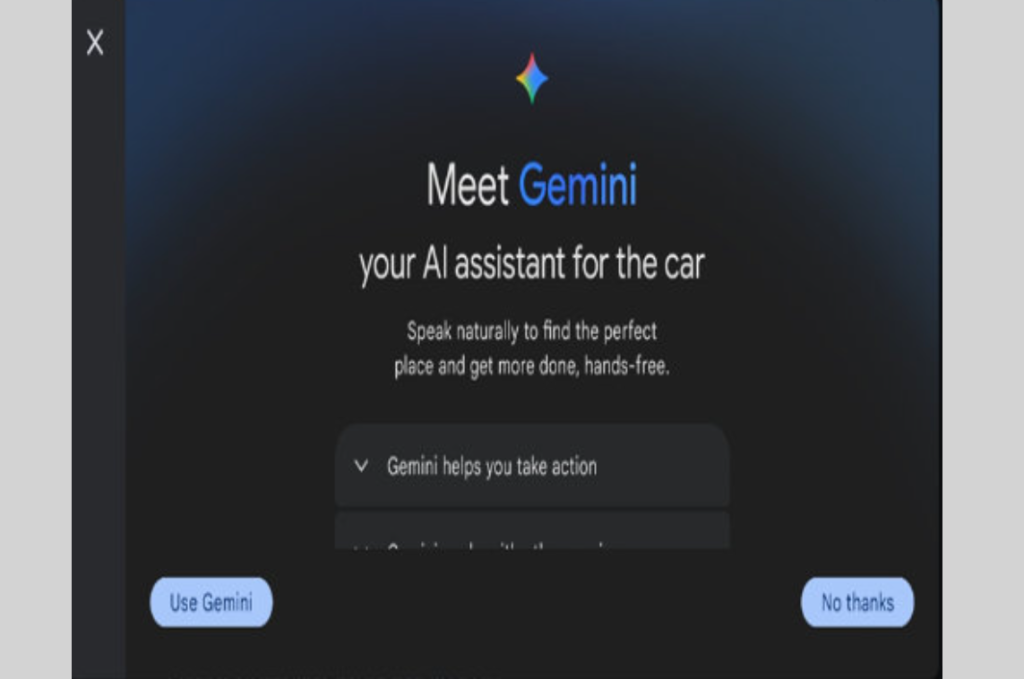
Fig. 5
Switching to Google Assistant
Gemini is an optional experience and preferences can be switched to Google Assistant after opting in to Gemini. To do so, go to Settings > Google > Gemini. Scroll down to select Switch to use Google Assistant. (Fig. 6)
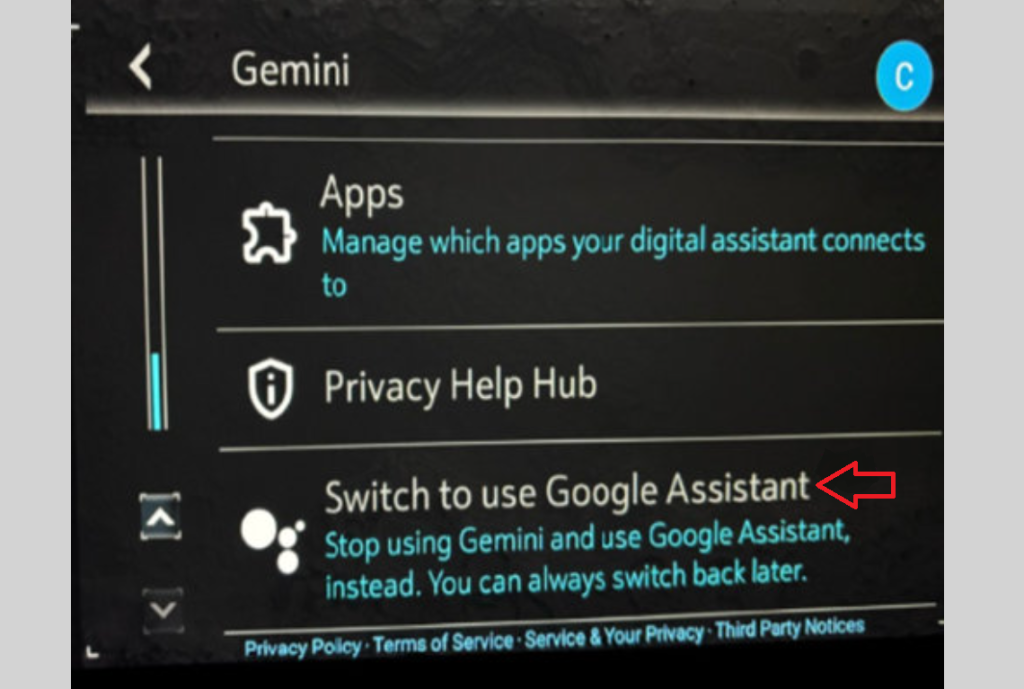
Fig. 6
For more information, refer to Bulletin #26-NA-127.
Note: Google and Gemini are trademarks of Google LLC. Google Gemini and Gemini Live will be available in a future update. Features may differ depending on subscription, and results may vary. Some connected apps require setup. Compatibility and availability varies. 18+.
– Thanks to TJ Jeong