The new 2027 Bolt features a 65-kWh lithium iron phosphate (LFP) high-voltage battery pack, enabling faster charging. It uses a native North American Charging Standard (NACS) charging port that provides access to the expanding public charging network, including Tesla Superchargers. (Fig. 11) By taking advantage of DC public fast charging speeds up to 150 kW, the Bolt can go from 10% to 80% battery charge in 25 minutes.
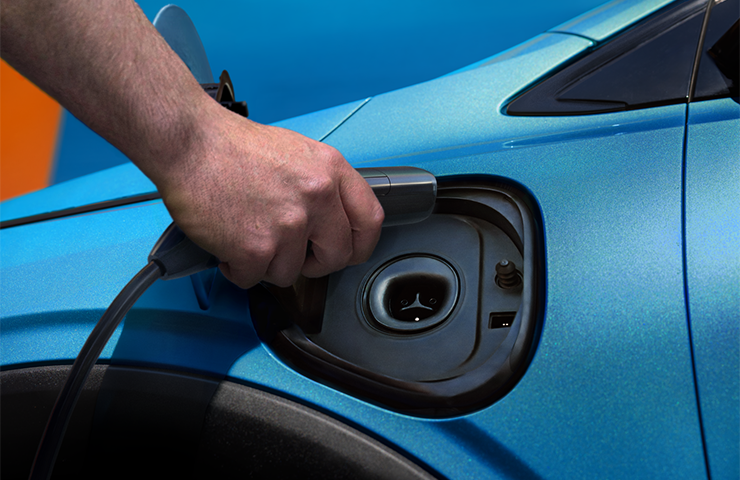
Fig. 11
Note: Actual charge times will vary based on battery starting state of charge, battery condition, output of charger, vehicle settings, battery temperature and outside temperature.
100% State of Charge
Unlike some other GM EVs, the Bolt should be charged to 100% battery state of charge (SOC) for daily use.
The following charging conditions may be found on some Bolt models:
- Significant drop in AC or DC charge rate as SOC increases, above 70%.
- SOC is inconsistent between vehicle sleep cycles.
- Charge time-to-completion estimate is inaccurate.
- Instrument cluster displays 100% SOC but time to charge complete takes longer than usual.
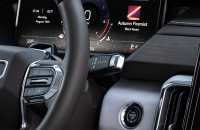
- During charging, the instrument cluster display quickly changes to 100% SOC.
These conditions may be due to state of charge error growth after several cycles of usage without obtaining a complete charge at 100% SOC. Due to the flat voltage curve of the LFP battery, the Battery Management System needs to regularly obtain 100% SOC and Charge Complete status in order to learn and accurately maintain SOC. Charging the high-voltage battery to 100% SOC and Charge Complete status will correct these symptoms. (Fig. 12)
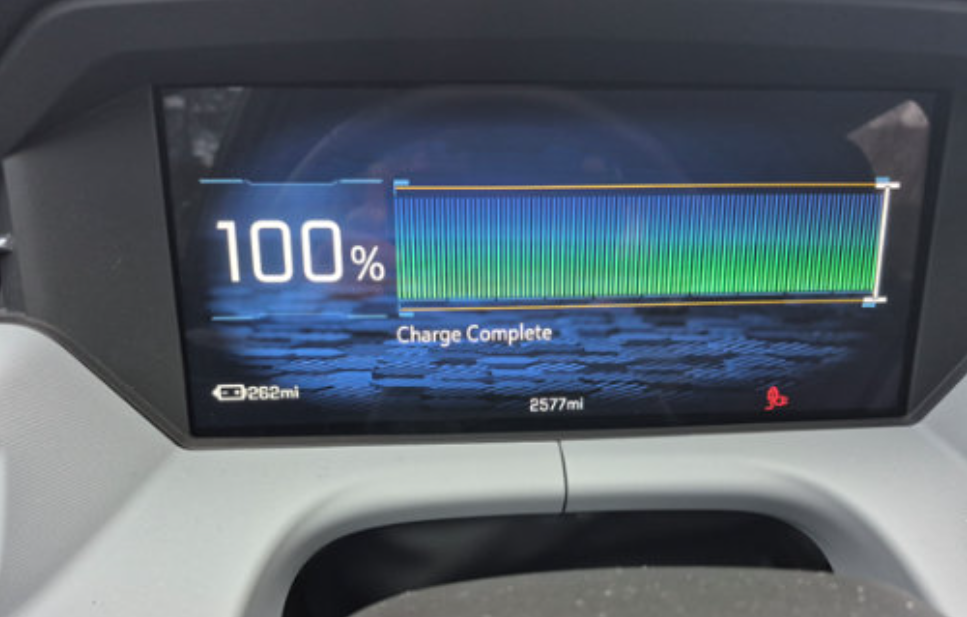
Fig. 12
It’s recommended to charge to 100% at least once per week. It is OK to keep the charge limit at 100% even for daily use. An 80% charge limit is recommended only when driving in mountainous terrain.
TIP: Do not stop charging until the Charge Complete message is shown. The instrument cluster display may indicate 100% SOC for several minutes while the SOC error is corrected. (Fig. 13)
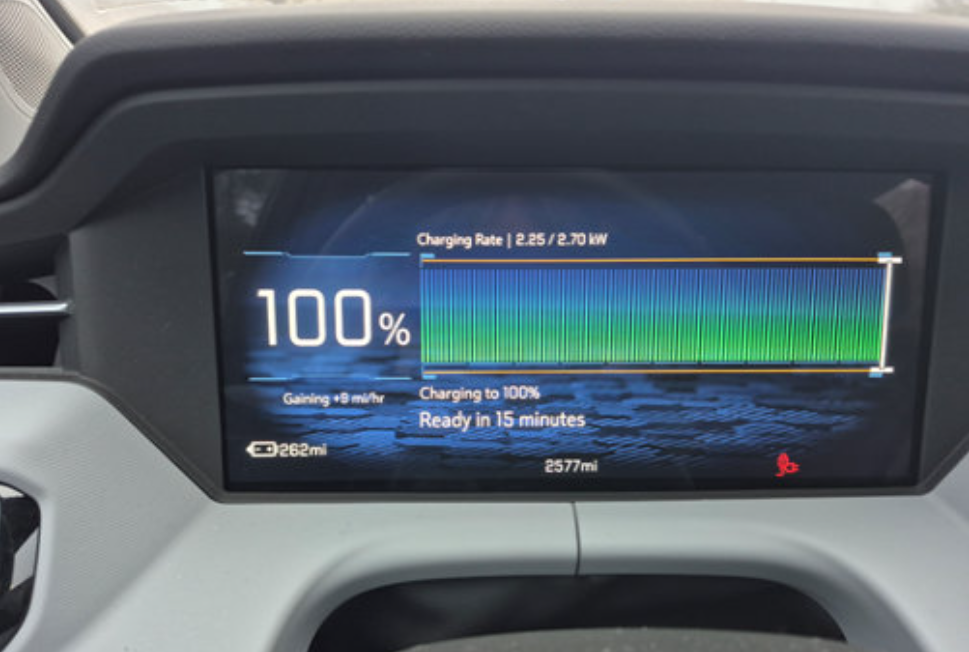
Fig. 13
Refer to Bulletin #26-NA-139 for more information.
NACS Charging Port Conditions
When initiating a charging session (using either AC (120/240V) or DC charging), the vehicle may display an Unable to Charge message on the Driver Information Center along with additional text stating “Cord lock not working” or “Try a different cord.” DTC P3013 (Hybrid/Electric Vehicle Battery Charging Port Lock Stuck Open) also may set. With the charge cord plugged in to the vehicle, one of the following icons will appear at the bottom of the instrument cluster. (Fig. 14; Left icon: Cord plugged in partially or blockage present, pin not locked. Right icon: Cord plugged in fully, pin engaged/locked.)
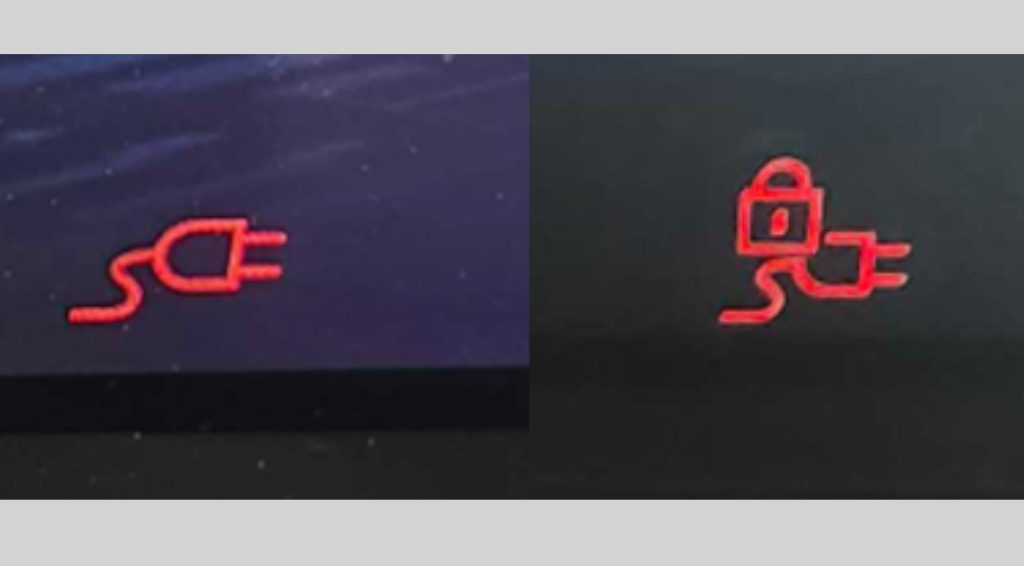
Fig. 14
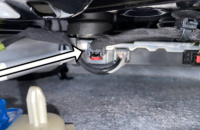
These conditions may occur if the charge coupler/adapter is not fully inserted into the charging port. The weight of the charge cord, or possible blockage in the port interface, may prevent the charge coupler/adapter from fully seating properly.
If the weight of the charge cord is causing the coupler/adapter to not stay seated, lifting slightly on the cord will help fully seat it and allow the charge lock pin to lock to initiate the charge. (Fig. 15) If the charge port lock motor is heard cycling on/off, it means the coupler/adapter Is not fully seated.
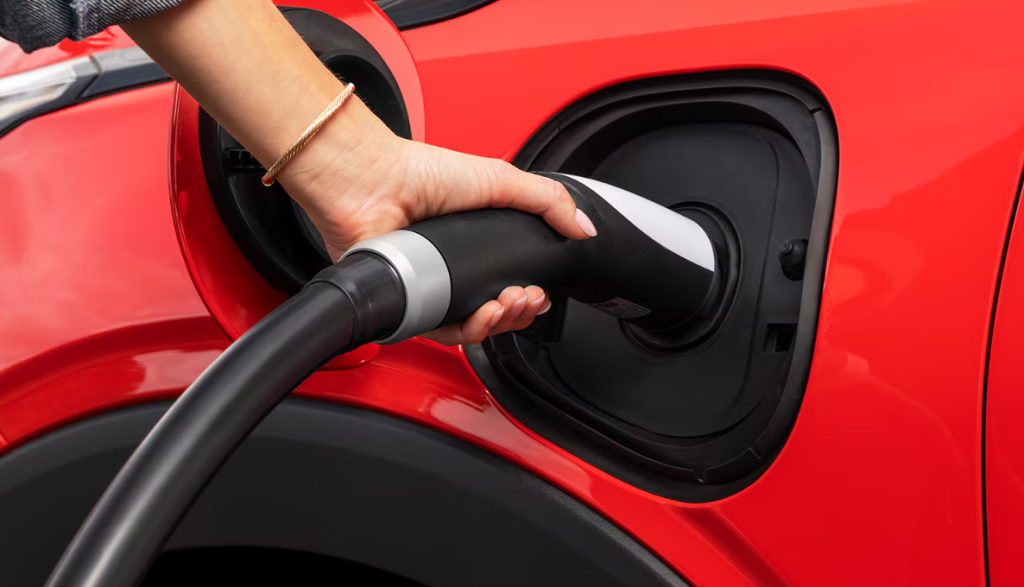
Fig. 15
In addition, always check to make sure debris, snow, or anything else is not inside the coupler/adapter or charge port, which may prevent the couple/adapter from fully seating.
If DTC P3013 DTC is set, it will not inhibit future charging. Once the coupler/adapter is properly seated into the charge port, the DTC will clear.
For additional information, refer to Bulletin #26-NA-107.
– Thanks to Kurtis Hoezee