All buttons on one key fob (Remote Keyless Entry transmitter) may be inoperative on some 2023-2026 Escalade, LYRIQ, Corvette, Tahoe, Suburban, Yukon; 2024-2025 XT4; 2024-2026 BrightDrop, Envision, CT5, Colorado, Silverado EV, Traverse, Acadia, HUMMER EV, Sierra EV; 2025-2026 Enclave, CELESTIQ, ESCALADE IQ, OPTIQ, Equinox, Terrain; and 2026 VISTIQ models.
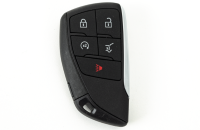
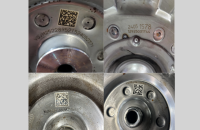
The key fob (Fig. 21) will operate properly for passively unlocking the vehicle and will allow the vehicle to start as normal when present in the vehicle. The second key fob operates normally.
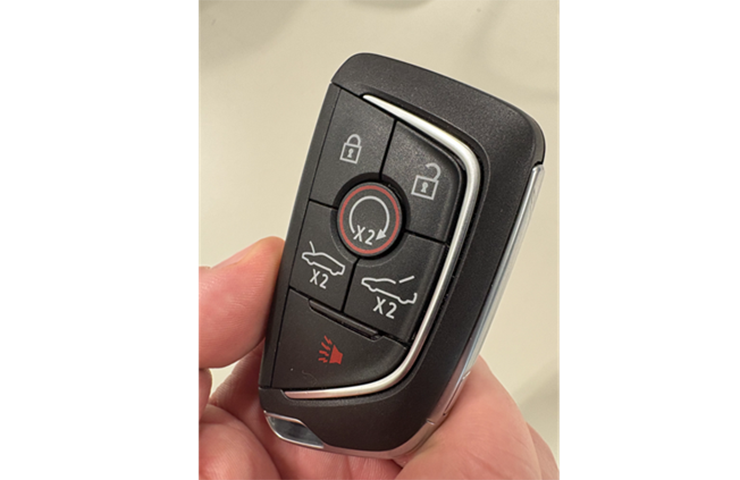
Fig. 21
These conditions may be due to the key fob being out of synchronization with the Body Control Module (BCM). Do not replace the key fobs or the BCM for this concern.
TIP: This condition will only affect one key fob and not the other(s). All buttons on the malfunctioning key fob will not function, which is an important factor to help narrow down this synchronization issue during diagnosis.
Key Fob and BCM Counters
To facilitate secure communication, there is a counter within the key fob and another counter within the BCM. When a button on the key fob is pressed within range of the vehicle, the counter in the fob and the counter in the BCM will both increment by one. If the key fob buttons are pressed out of range from the vehicle, the key fob counter will increment by one with each button press, but the BCM counter will not increment as the key fob is not within range. Once the key fob is back within range and a button is pressed, the counters will synchronize and continue incrementing with each subsequent button press.
However, when the BCM counter becomes higher than the key fob counter, the out-of-synchronization condition may occur. The synchronization issue is usually the result of corruption within the memory of the BCM.
To correct this issue, repeatedly pressing any button on the affected key fob until the counter in the key fob matches that of the BCM will synchronize the two devices. This may take up to 255 button presses until the counters become synchronized again.
Confirm Key Fob Operation
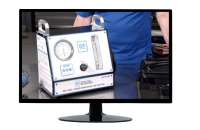
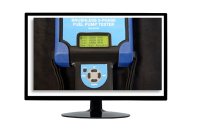
Verify the operation of the key fob and check the key fob battery using the EL-52545 TPMS and RF tool. (Fig. 22) After pressing a fob button ten times in a row, verify the fob output is above 20% using the signal strength meter on the EL-52545 tool.
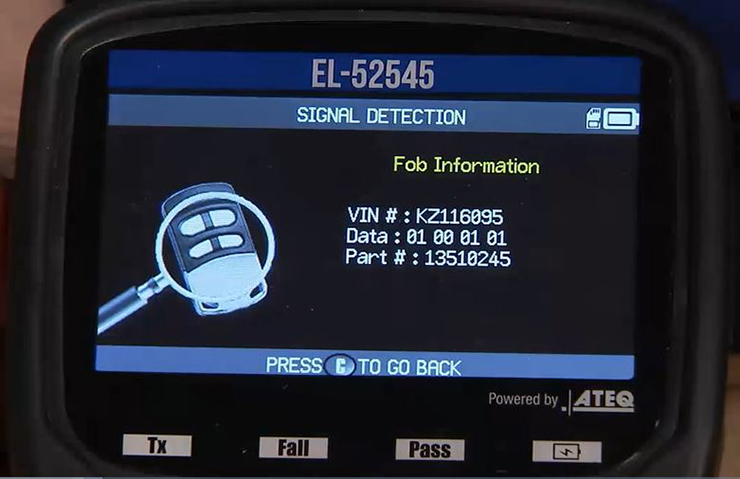
Fig. 22
Synchronizing the Key Fob
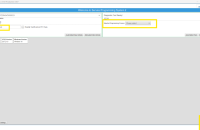
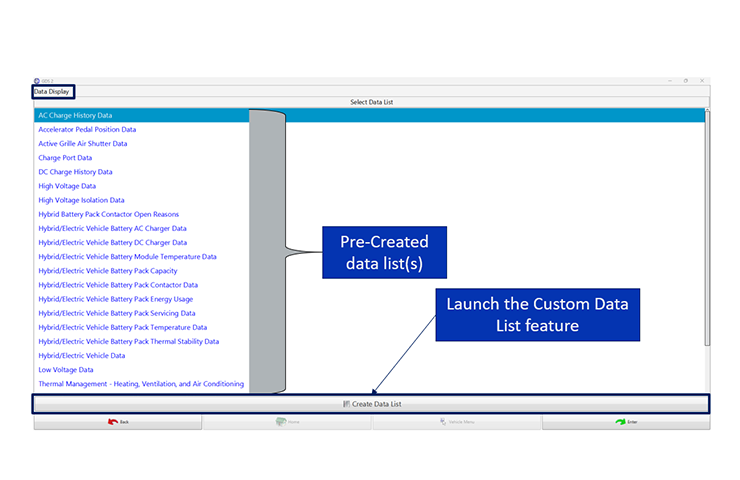
After verifying the fob battery is good, using GDS 2, go to Module Diagnostics > Body Control Module > Data Display > Keyless Entry Data list and view the Synchronization Counter parameter. (Fig. 23) Pressing any fob button should increase the Synchronization Counter parameter by one count for each button press. Keep in mind that Active Transmission Identifier and Synchronization Status may behave differently depending on vehicle program and software.
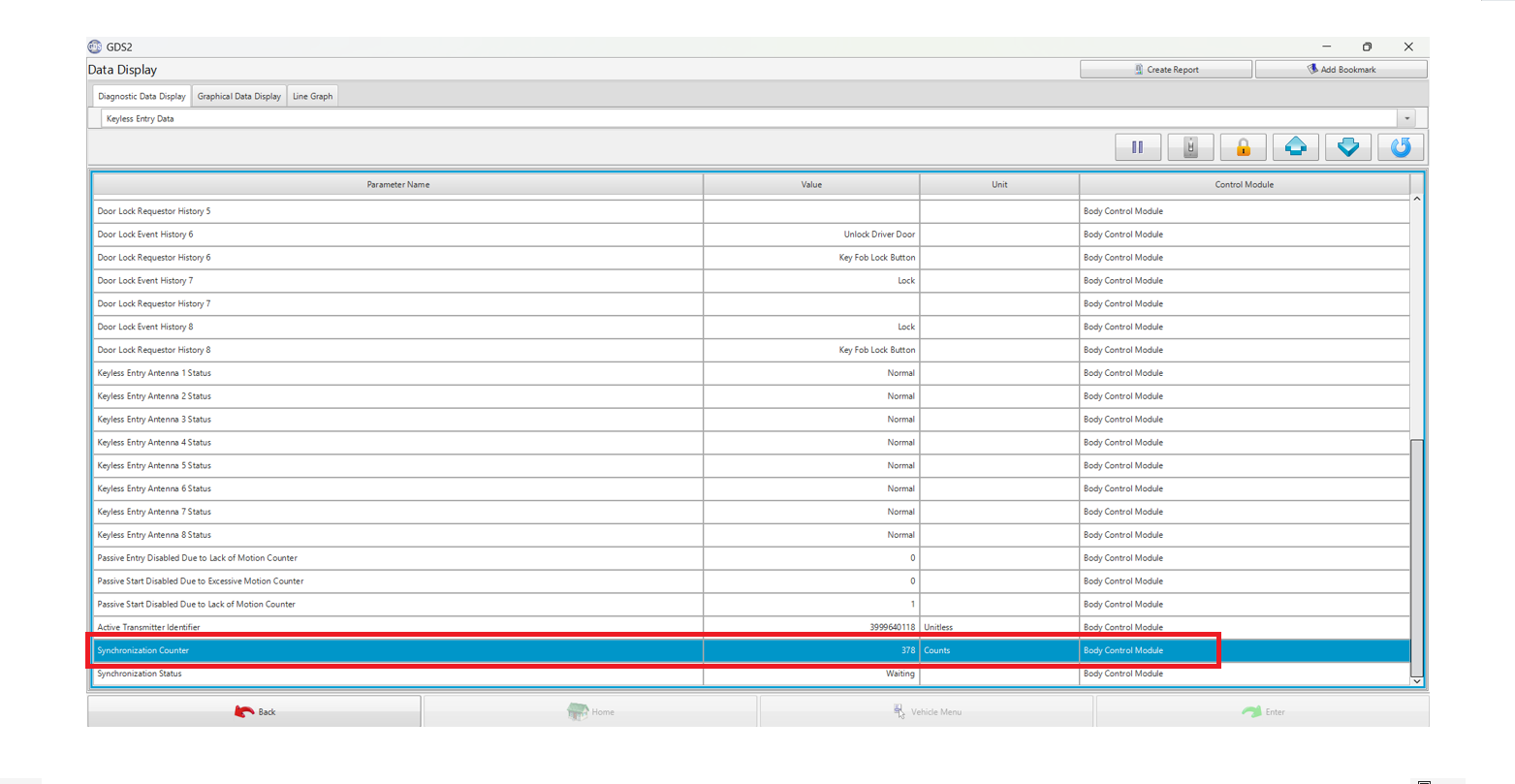
Fig. 23
If the Synchronization Counter parameter is increasing but the vehicle is not responding to any of the fob button presses, the fob is out of sync with the BCM.
Press any of the key fob buttons repeatedly until the counter values match. Again, this process may take up to 255 button presses in order to resynchronize the fob with the BCM. When the values match, the key fob should begin working properly again and the related vehicle function should respond.
For more information, refer to latest version of #PIT6456.
– Thanks to Colin Day and Robert Roselle