The GM Accessory Rocker Panel Molding Ground Lamps (PN 85155377) may not illuminate after installation on some 2024-2026 Silverado EV and Sierra EV models. (Fig. 3)
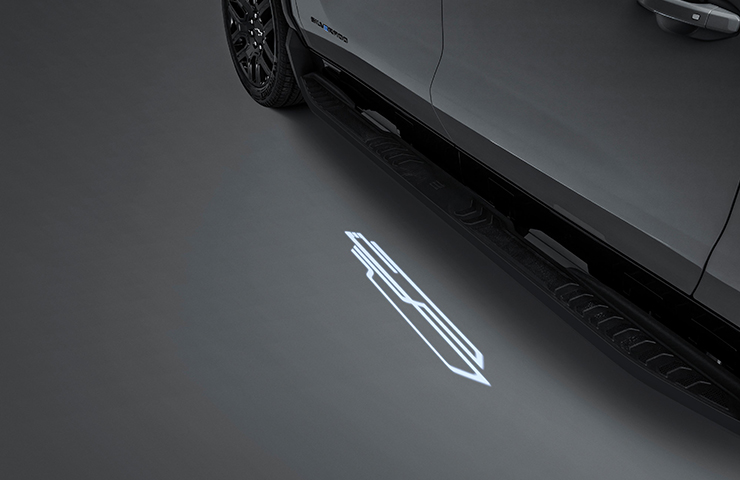
Fig. 3
The exterior illumination setting in the Vehicle Settings menu on the infotainment screen may be in the Off position. In order for the ground lamps to illuminate properly, the illumination setting must in the On position.
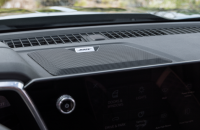
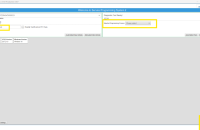
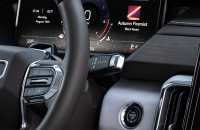
After installation, verify that the exterior illumination setting in the Settings > Vehicle > Lighting > Approach and Departure lighting menu is set to Animated or Static (Fig. 4), and then check the operation of the ground lamps by covering the light sensor on top of the instrument panel.
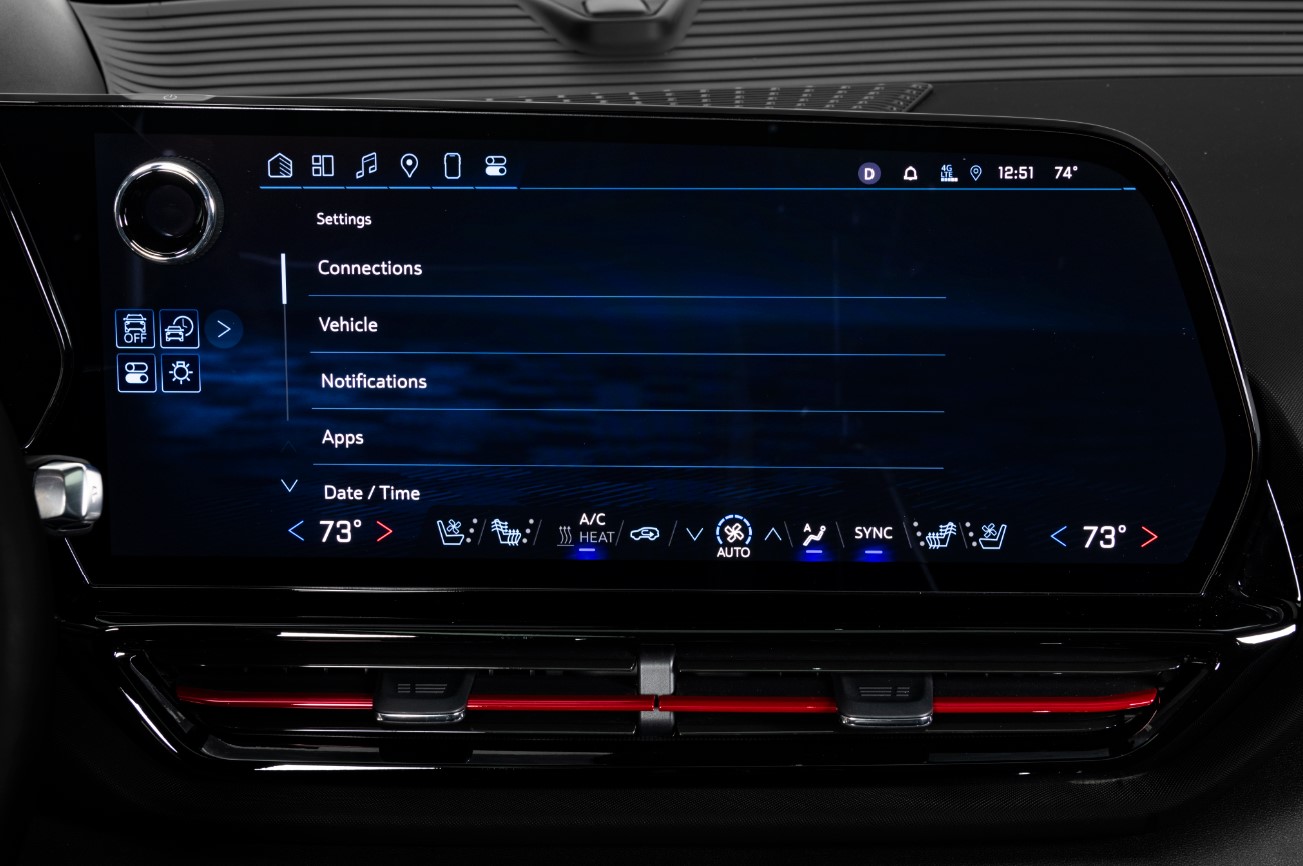
Fig. 4
Installing the Ground Lamp Package
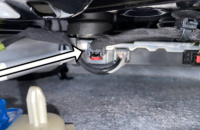
The ground lamp assemblies are market LH (driver’s side) and RH (passenger’s side). Identify the correct part for each side before installation by checking the markings on the lamp body. Route the specific-side lamp harness between the stone guard structure and the vehicle body, pulling the harness through below the assist step. (Fig. 5. Lamp assembly (#7), harness connector (#1), lamp harness (#4), stone guard structure (#6) )
The wiring harness should be routed up through the wheel well on each side of the vehicle into the front compartment and then into the engine bay. The harness connects to the body wiring harness to engine wiring harness connector X403. Be sure to follow the installation instructions for inserting the correct terminals into connector X403.
The installation instructions can be found under Electrical Accessories in the Accessories Manual in the appropriate Service Information.
– Thanks to Paul Radzwilowicz