
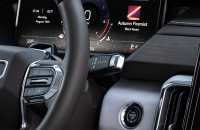
A blank or black screen display affecting the instrument cluster, infotainment screen, or both, on some 2022-2026 Silverado, Tahoe, Suburban, HUMMER EV, Sierra, Yukon; 2024-2025 XT4; 2024-2026 Encore GX, Envision, Envista, LYRIQ, Blazer EV, Colorado, Equinox, Equinox EV, Silverado HD, Silverado EV, Sierra HD, Sierra EV, Trailblazer, Traverse, Trax, Acadia, Canyon; 2025 CT5; 2025-2026 Enclave, CELESTIQ, Escalade, ESCALADE IQ, OPTIQ, Terrain; and 2026 VISTIQ models may be due to several possible issues, including software as well as hardware concerns. These infotainment and instrument cluster displays include the RPO IVA, IVD, IVE and IOK systems. (Fig. 5)
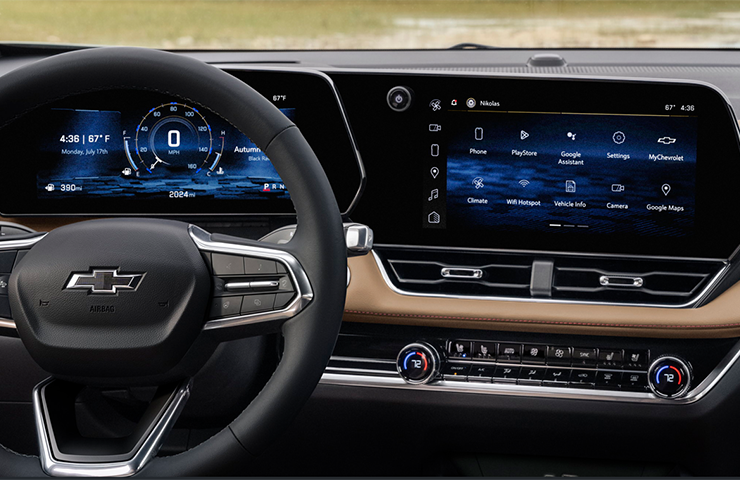
Fig. 5
The latest version of #PIC6629 recommends a number of diagnostic tips and provides references to additional PI resources for the following issues:
- Physical damage
- The entire display or both displays are blank
- Only one display is blank
- Radio and/or Instrument Panel Cluster (IPC) display is flickering or goes blank but comes back
- Radio display touchscreen does not respond to touch inputs or is unresponsive
- Volume knob, Home button, and/or Power/Mute button are inoperative
- One or multiple HVAC hard buttons are inoperative
TIP: If a vehicle has a display that went blank or black at some point, but is currently not blank or black, update the radio to the latest software, clear any DTCs and attempt to duplicate the customer’s concern before continuing with diagnosis.
The specific display conditions that may be found on a vehicle and the related diagnostic procedures covered in #PIC6629 include:
Display is backlit but there is no image – If a back light is present, but there is no display, the display is powered on, but there may be a poor signal from the radio or a bad connection.
Display appears powered off (no backlight) – If the radio is powered on and communicating with the scan tool, there may be an issue with the radio, not the display. (Fig. 6)
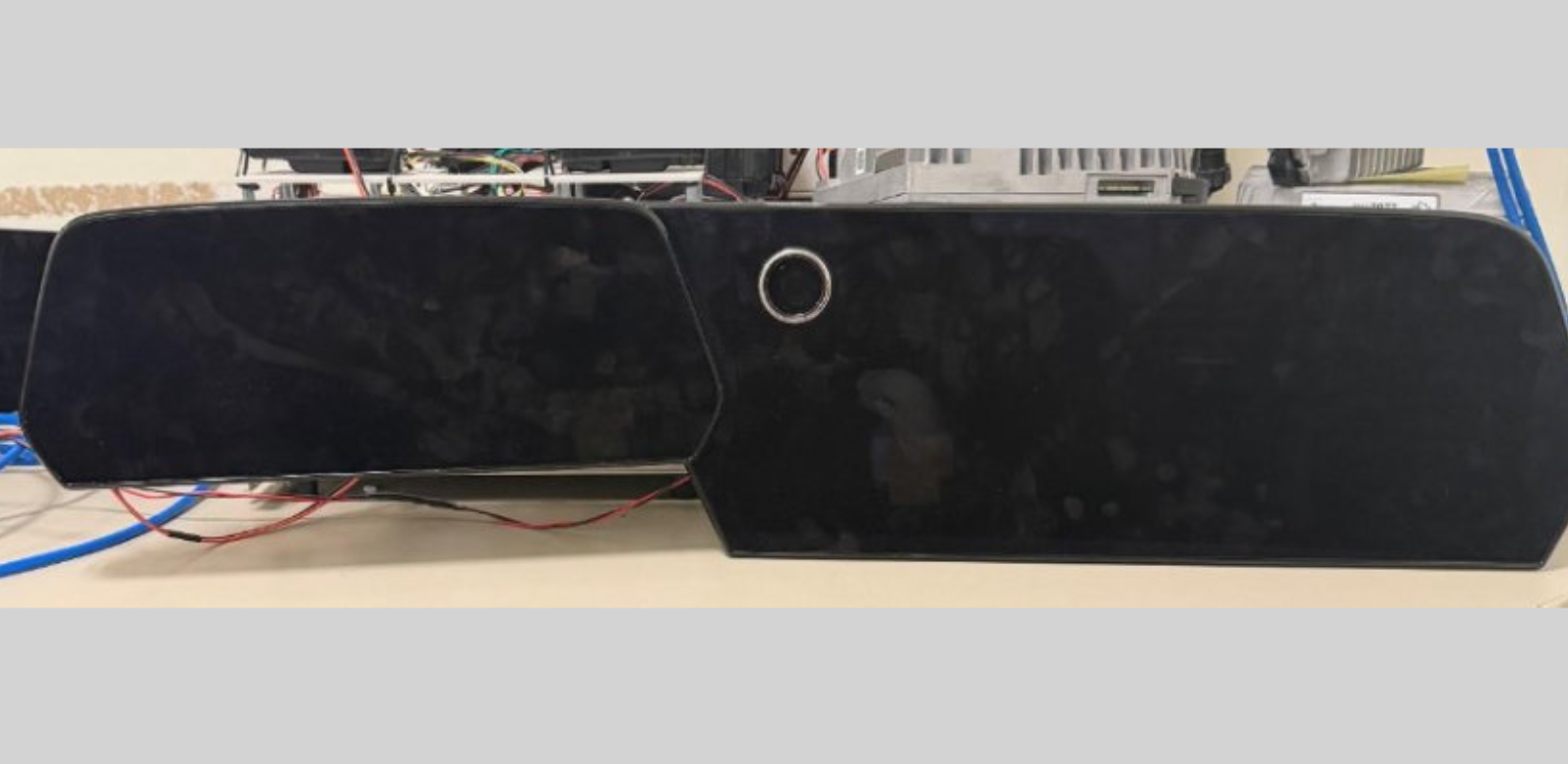
Fig. 6
One or both displays are flickering and going blank but come back – The power and ground connections at the displays or the LVDS cable between the display and radio may have a connection issue. (Fig. 7)
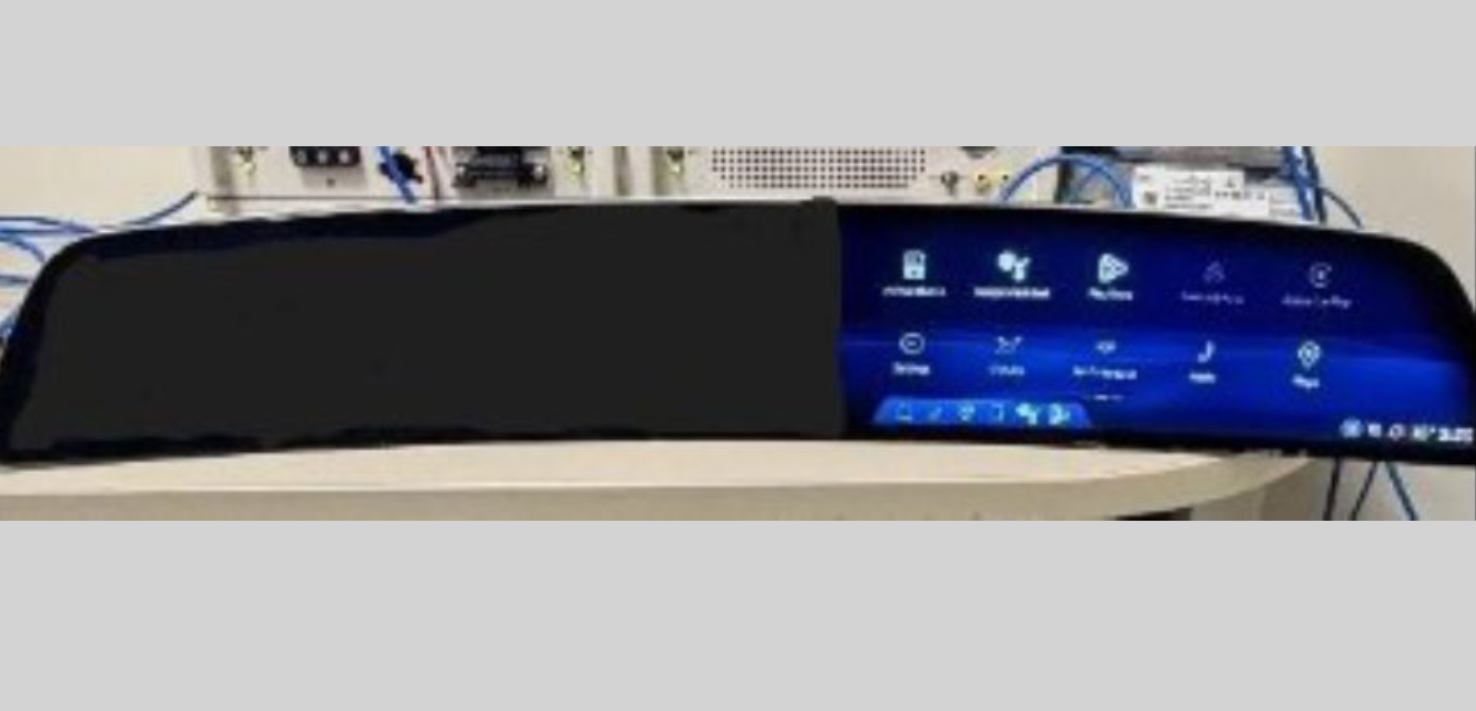
Fig. 7
Radio display touchscreen does not respond to inputs or radio appears to be restarting – Check the connections at the display as well as disconnect and reconnect the battery.
Inoperative Volume knob, Home button, and/or Power/Mute button – Verify the steering wheel buttons are operable before continuing diagnosis.
HVAC hard buttons are inoperable – Verify control of the HVAC system through the touchscreen display.
During diagnosis, be sure to always check for DTCs and, if the display recovers, update the radio to the latest software.
Refer to #PIC6629 for complete instructions.
– Thanks to Steve Morris
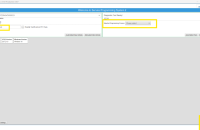







There are a few scenarios where this is possible and SDAC or radio two-part programming may be needed. More information, including the vehicle and modules programmed, would be needed in order to provide additional recommendations. Open a TAC case using CX Connect for additional assistance.
What about a blacked out display after a programming event of a different module that results in a U3000 in the IPCCM?