
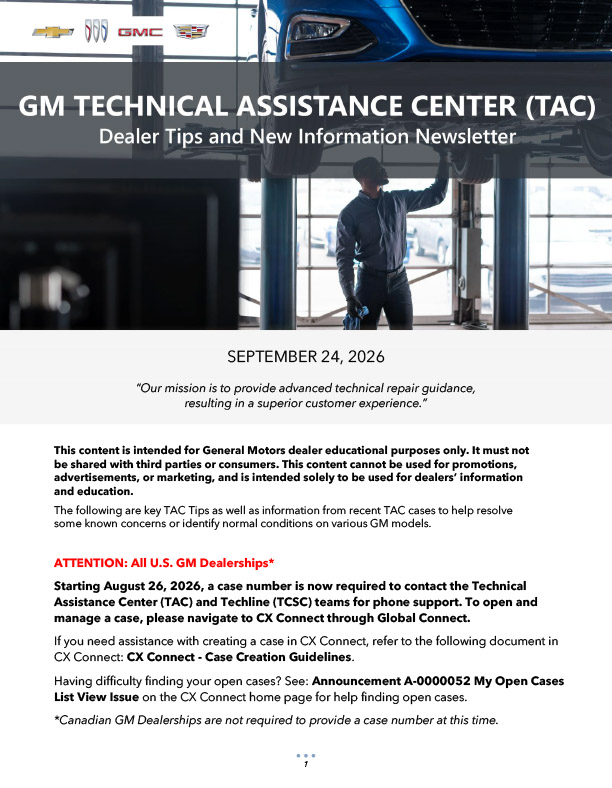
Starting March 18, 2026, GM TAC is launching a new phone prompt experience to help route calls from technicians seeking assistance more quickly.
Fig. 2
Enter TAC Case and BAC
When reaching out to TAC, callers (U.S. and Canada) will be prompted to enter their TAC case number from CX Connect to help route the call. If a valid case number is not entered, the system will repeat the request.
Next, callers will be prompted to enter their BAC code. The same cycle will occur if the BAC code is not entered or recognized. Be sure to only enter the accurate TAC case number and BAC code. Incorrect entries may delay assistance.
If a case number or BAC code is not entered, the system will transfer the call to the standard phone menu options. To ensure faster routing and reduced hold times, technicians are encouraged to have their case number created in CX Connect before calling TAC.
TIP: Without access to CX Connect, Canadian dealerships should follow the prompts to be routed to the standard phone menu options.
Better Performance, Less Time
By setting up a TAC case in CX Connect first, technicians who call in to TAC with the case number will get their call sent directly to the appropriate support for their specific case. TAC agents will have immediate access to the case, with all the details at their fingertips, which means less time on hold, less time repeating the concern and related information, and more time for TAC agents to provide assistance. Ultimately, the goal is to deliver a smoother, more productive, more efficient process for complex diagnostic issues, leading to better results and successfully closed repair orders.
Creating a Case
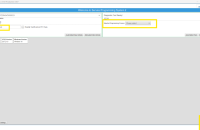
To help technicians with creating a case, a CX Connect Case Creation Help job aid is available. (Fig. 3) It includes step-by-step instructions for creating a case, including entering vehicle information, completing the dealer instructions and filling out the assessment fields.
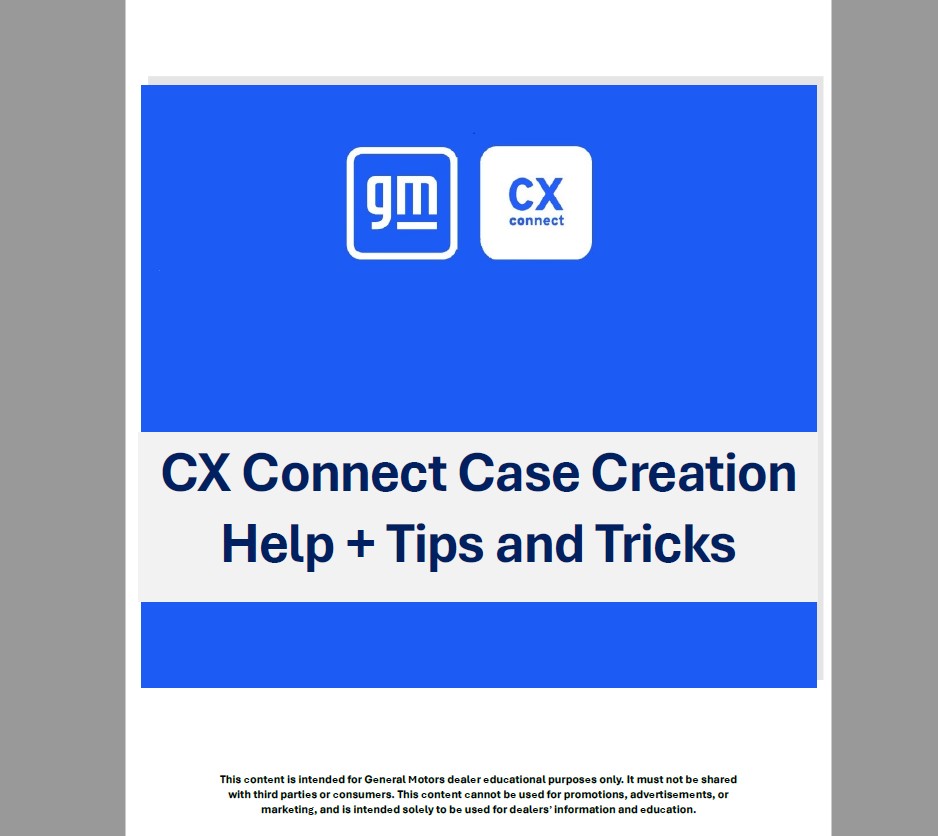
Fig. 3
CX Connect Help
For a short online training course on how to open a new TAC case using CX Connect, check out the Video on Demand course CX-WBT332-V on the Center of Learning.
– Thanks to John Sauer
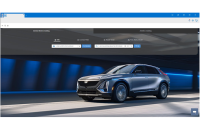




CX Connect is planned to be introduced in Canada in early 2027.
IS CX CONNECT COMING TO CANADA?
You should be able to add the vehicle to your CX Connect case. However, if the VIN is not recognized by the system, you can also follow document 000215085 in CX Connect to use the “Add Vehicle Button” at the top right of the draft case. On the Add Vehicle screen, enter the full VIN and click Search. Once the vehicle add is complete, click Next to proceed back to the main case page.
Still no provisions for LCF (Isuzu based) trucks? Vin number is not recognized in CX Connect. Getting technical support is unnecessarily difficult.