
Key cards are wallet-sized cards that can be used to unlock, lock and start a number of GM vehicles when the key fob is not available. Key cards may be included with 2025-2026 LYRIQ, OPTIQ; 2026 Silverado EV, Tahoe, Suburban, CELESTIQ, ESCALADE IQ, VISTIQ, Enclave, Acadia, Sierra EV and Yukon models. It should be treated as an additional key fob.
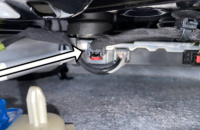
The key card uses Near Field Communication (NFC), requiring only a tap or brief hold to the K300 Near Field Communication Backup Module, or card reader, on the exterior of the vehicle to verify the correct key is presented to the vehicle. The key card placement location is on the driver’s door handle on Acadia, Enclave, Silverado EV, Sierra EV, Tahoe, Suburban and Yukon. (Fig. 4)
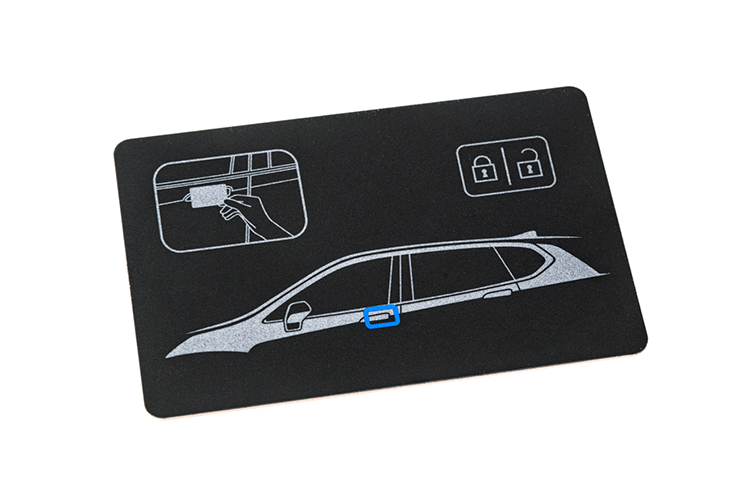
Fig. 4
It is on the B-pillar applique on CELESTIQ, ESCALADE IQ, LYRIQ, OPTIQ and VISTIQ. Refer to the back of the key card for a helpful graphic showing the exact location on the vehicle. (Fig. 5)
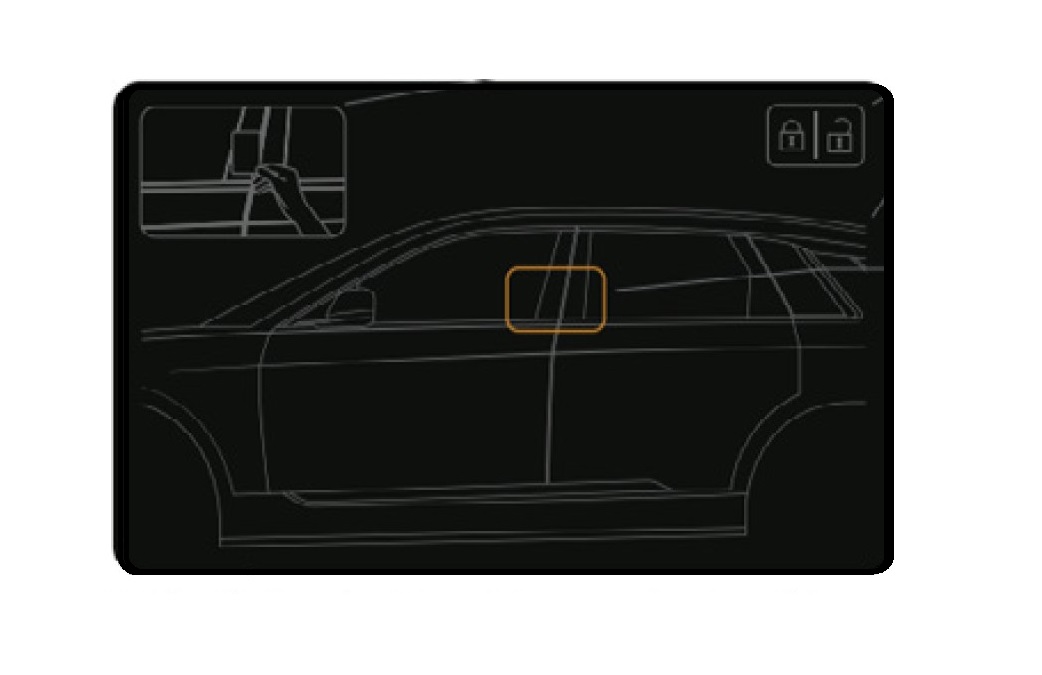
Fig. 5
Using the Card
The key card will work only with the vehicle it has been paired with. When a user presents a key card to the card reader, the K183 UHF Short Range Low Energy Remote Control Access Transceiver will begin authenticating the key card via the NFC Backup Module as a pass-through component. If the information sent to the K183 UHF Short Range Low Energy Remote Control Access Transceiver matches the information stored in the K9 Body Control Module, vehicle access and power moding will be allowed.
To unlock the driver’s door, briefly hold the key card to the card reader on the exterior of the vehicle with all doors locked. (Fig. 6)
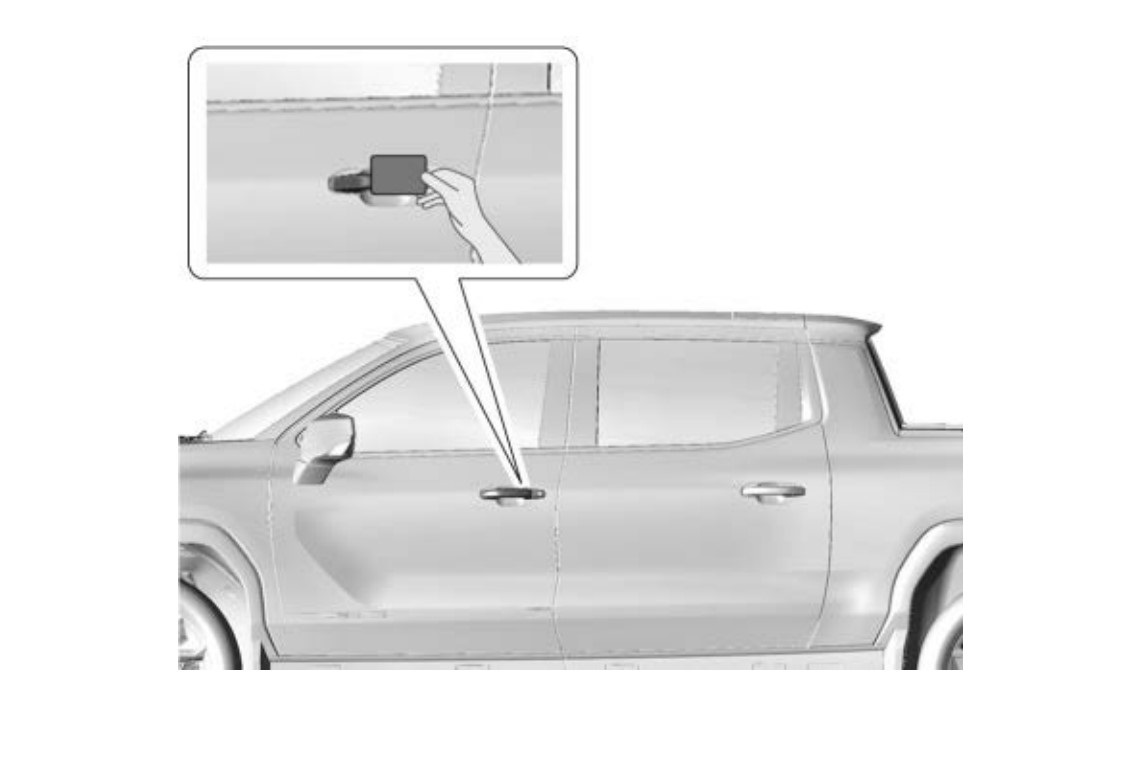
Fig. 6
If at least one door is unlocked, holding the key card to the card reader will lock all doors.
Once the vehicle is unlocked with a key card, the user has 2 minutes to start the vehicle. A timer and prompts to start the vehicle will display on the infotainment screen. If time expires, it will be necessary to hold the key card at the card reader again to restart the timer. If Service Mode is entered during the initial 2 minutes, the vehicle will be ready for Propulsion Mode indefinitely. Pressing the brake pedal will enter Propulsion Mode.
TIP: When unlocking and starting the vehicle using a key card without the key fob present, a No Key Fob Detected message will be displayed on the Driver Information Center. The message is a reminder that a backup method to access and start/power the vehicle is being used and a key fob or digital key device has not been detected. This is normal operation.
Programming Additional Cards
Up to 7 cards can be added to the vehicle and can be purchased from the dealership.
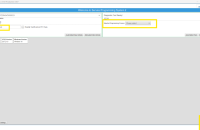
From the Service Programming System (SPS) Supported Controllers screen, select K183 UHF Short Range Low Energy Remove Control Access Transceiver and then select NFC Card Learn > Add. Follow the on-screen instructions. Do not hold the key card to the card reader on the vehicle until prompted by the instructions.
A key card also can be unpaired from a vehicle, such as when replacing the K183 module. To unpair a key card, it must be present. An unpaired card can be used again. Be sure to unpair all existing cards before replacing the K183 module because the cards cannot be used after the module is replaced if they were not unpaired.
Key cards can be terminated as well, which deletes the card from the vehicle. The card does not need to be present. Terminated cards cannot be used again.
– Thanks to Colin Day and Robert Roselle
Updated January 28, 2026




Whats the big deal or diffrence in using the card or the key fob?
Is there a way of identifying what key card corresponds to what vehicle? Like using the EL-52545 for key fob id and vin id