Techline

GDS2 Update Includes New MDI Tool Selection Window

GDS2 Update Includes New MDI Tool Selection Window

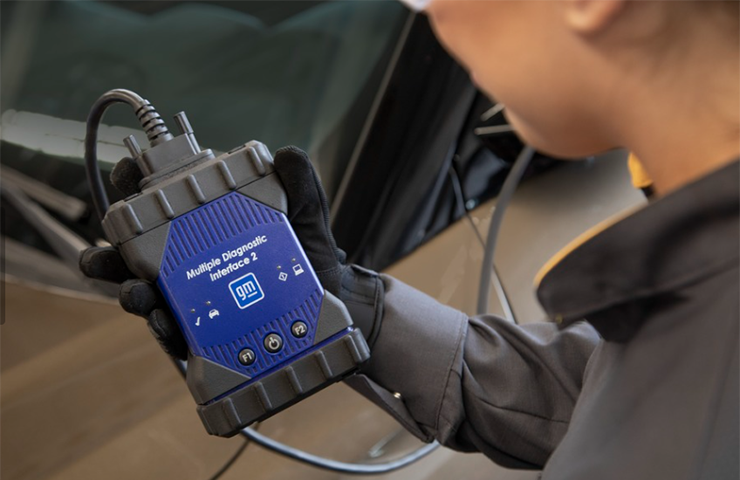
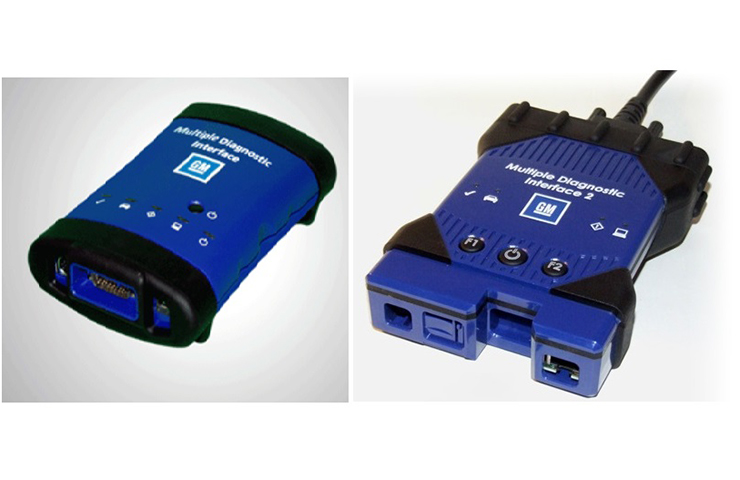
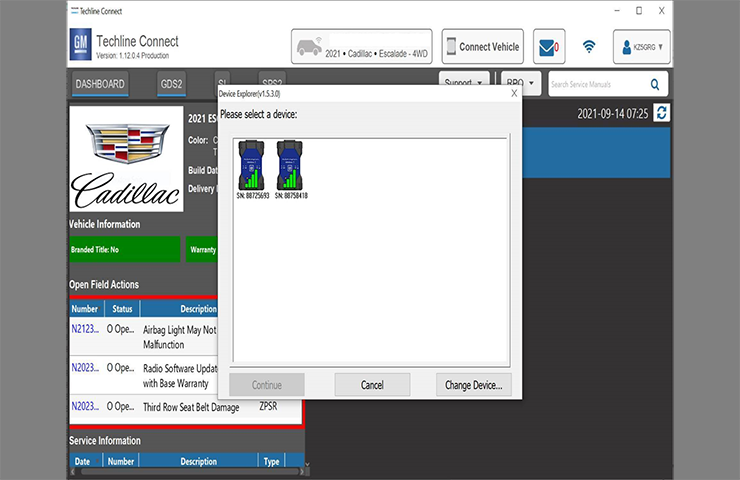
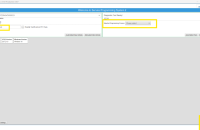
The latest GDS2 core update release (v22.2.05000) includes an update to the J2534 Wrapper, or MDI tool selection window. Since the MDI no longer receives updates to its core software, […]

November 23, 2021
Check for Required Calibrations before Installing GM Accessories

Check for Required Calibrations before Installing GM Accessories

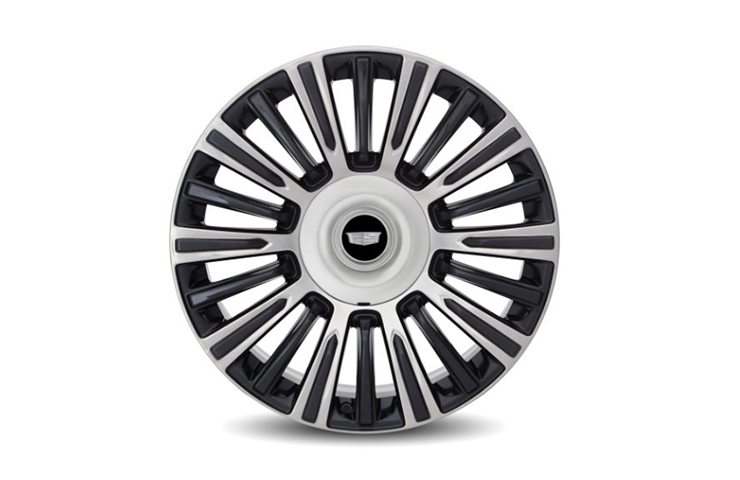
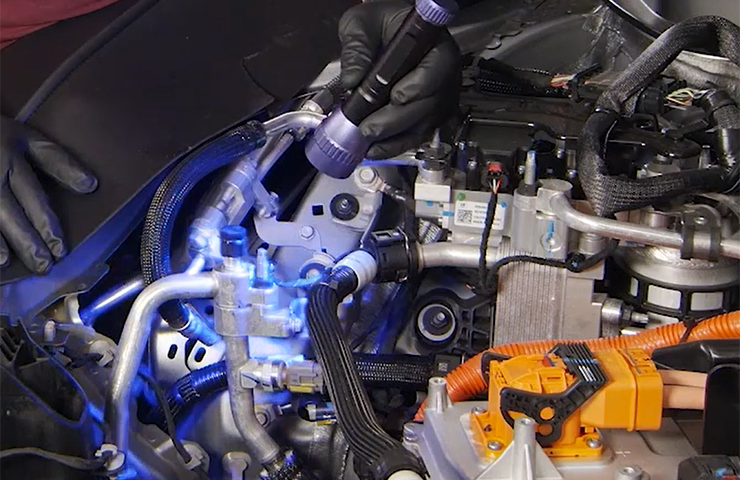
After installing a number of select GM Genuine Accessories (Fig. 16), a calibration update from the Techline Customer Support Center (TCSC) is required in order to complete the installation properly. […]
September 24, 2021
Performing Successful Warranty Reprogramming Events

Performing Successful Warranty Reprogramming Events

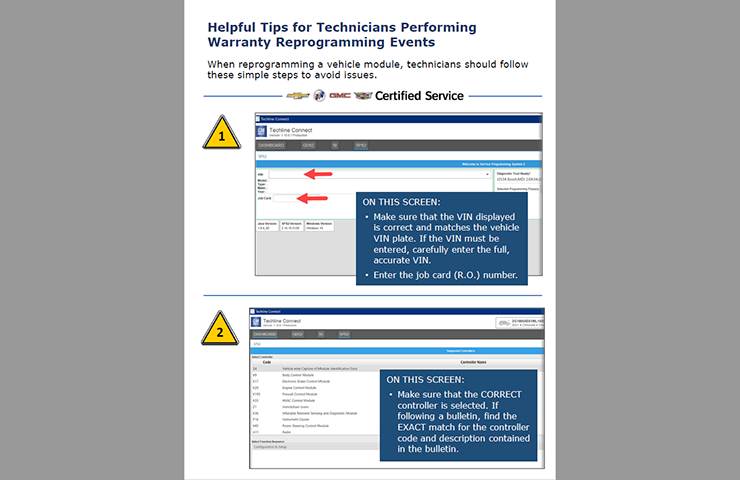
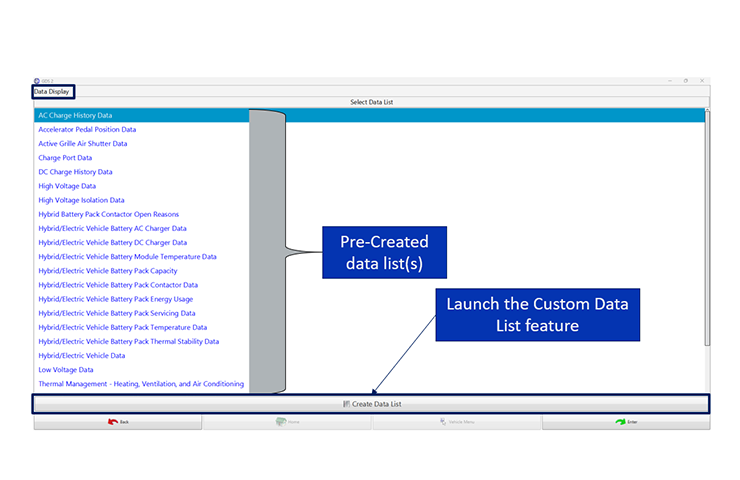
In order to ensure successful and complete repairs are made when reprogramming control modules, GM reviews module reprogramming warranty claim information and compares it to Service Programming System (SPS) reprogramming […]
June 29, 2021
GM Accessory Cold Air Intake System Requires Calibration

GM Accessory Cold Air Intake System Requires Calibration

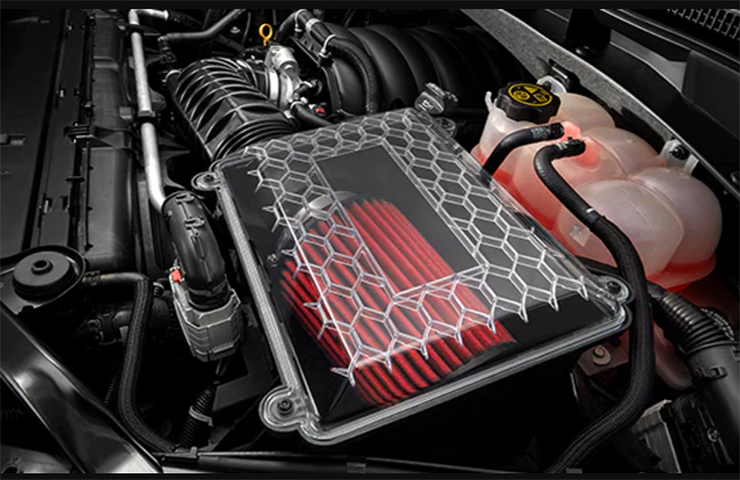
The Chevrolet Performance, GMC and Cadillac Cold Air Intake System (RPO 5W7, RVK) available on 2021 Camaro, Silverado, Tahoe, Suburban, Sierra, Yukon and Escalade models equipped with the 5.3L V8 […]
May 17, 2021
Tips for USB Programming

Tips for USB Programming

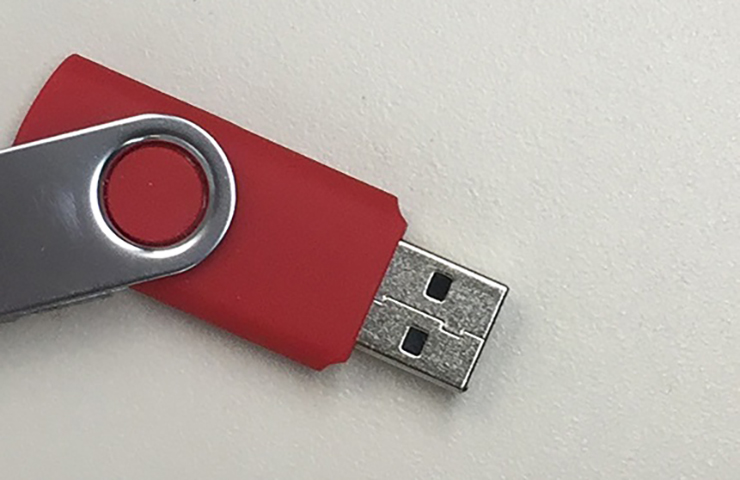
Programming calibrations and software requires the transfer of large files to the vehicle from the Service Programming System (SPS). When transferring a large file (greater than 1 GB) from the […]

April 29, 2021
Tips for Over-The-Air Software Programming

Tips for Over-The-Air Software Programming

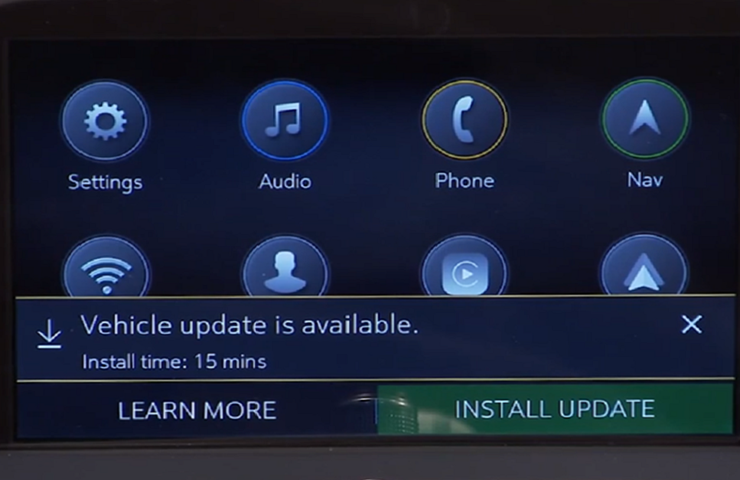
Over-the-Air (OTA) software updates (Fig. 1) that are pushed to vehicles remotely continue to expand in frequency and use on GM models. Vehicles using the Global A electrical architecture can […]

March 12, 2021
Techline App Enhancements Coming Soon

Techline App Enhancements Coming Soon

With the retirement of TIS2Web approaching, the Techline Connect team has received significant feedback from dealership technicians. As always, technicians’ comments are taken into account when developing and supporting all […]

February 10, 2021
Programming Radio Software – Check the Build Number

Programming Radio Software – Check the Build Number

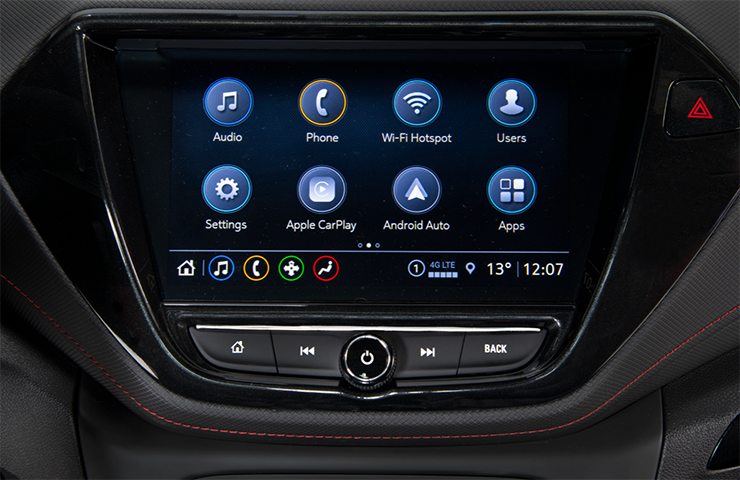
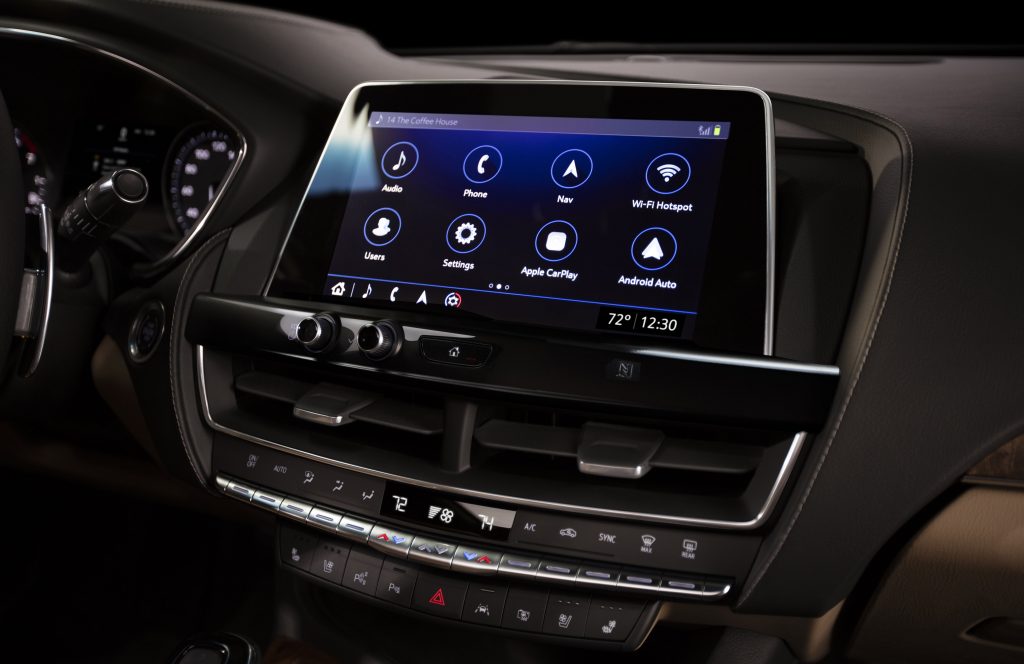
The software on many 2018-2021 GM models equipped with an Infotainment 3 System (RPOs IOR, IOS, IOT, IOU, IOV) (Fig. 1) can be updated over the air to the vehicle […]

January 27, 2021
Radio Programming – Calibrations or Software?

Radio Programming – Calibrations or Software?

When 2018-2021 GM models equipped with an Infotainment 3 System (RPO IOR, IOS, IOT, IOU, IOV) (Fig. 26) come into the dealership with various system concerns – the radio display […]

December 10, 2020
Techline Connect Updates and Local Admin Rights

Techline Connect Updates and Local Admin Rights

One of the most commonly asked questions regarding Techline Connect is why admin rights are required to install and run the application. The quick answer is simple: Microsoft Windows 10 […]

November 12, 2020
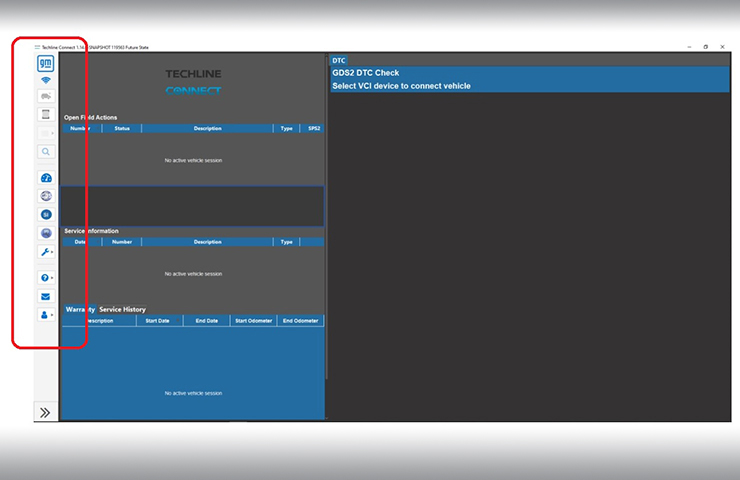
Techline Connect Tips – Getting the Most Out of the All-in-One Application

Techline Connect Tips – Getting the Most Out of the All-in-One Application

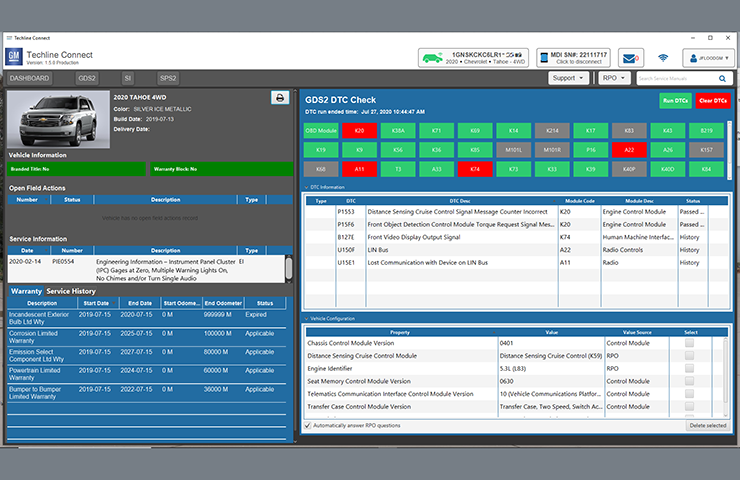
Techline Connect brings together all the common resources technicians use every day for diagnosis and repairs in an all-in-one application. The all-new application has a single sign-on for access to […]

October 28, 2020
Battery Condition Prognostics Integrated into Techline Connect

Battery Condition Prognostics Integrated into Techline Connect

Techline Connect, GM’s next generation diagnostic application, has released a new tool to help determine the condition of a vehicle’s battery. Battery Condition is determined using “Power of Green;” a […]

October 19, 2020
Techline Connect Now Available on the GlobalConnect App Center

Techline Connect Now Available on the GlobalConnect App Center

The GlobalConnect App Center now features a tile for Techline Connect (TLC), enabling Techline Connect to be downloaded to a Techline personal computer (PC). To access the link, select the […]

June 16, 2020
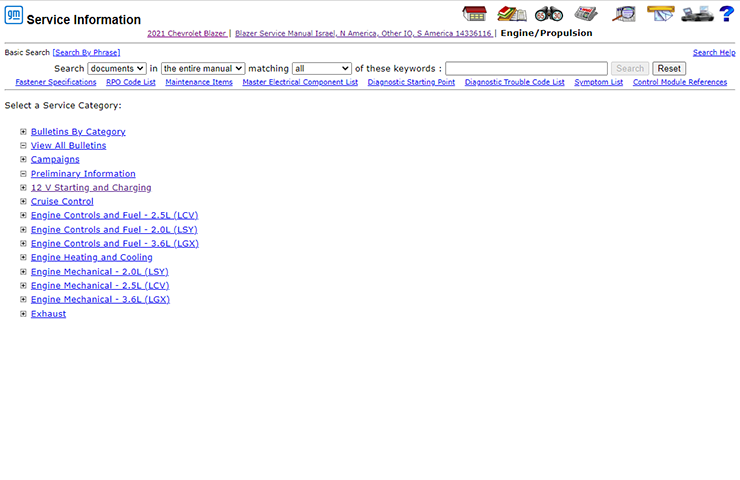
Service Information Search – Getting the Best Results

Service Information Search – Getting the Best Results

Enter a few keywords in the Search box of the Service Information (SI), click the Search button, and all related results are shown. (Fig. 1) In some cases, depending on […]

April 15, 2020